

Qwen Code: The Best Free Claude Code Alternative for Developers
If you like the idea of Claude Code but want a serious free option, Qwen Code is one of the strongest alternatives available right now. It gives you an AI coding agent directly in the terminal, supports large codebase workflows, and offers a genuinely usable free tier through Qwen OAuth.
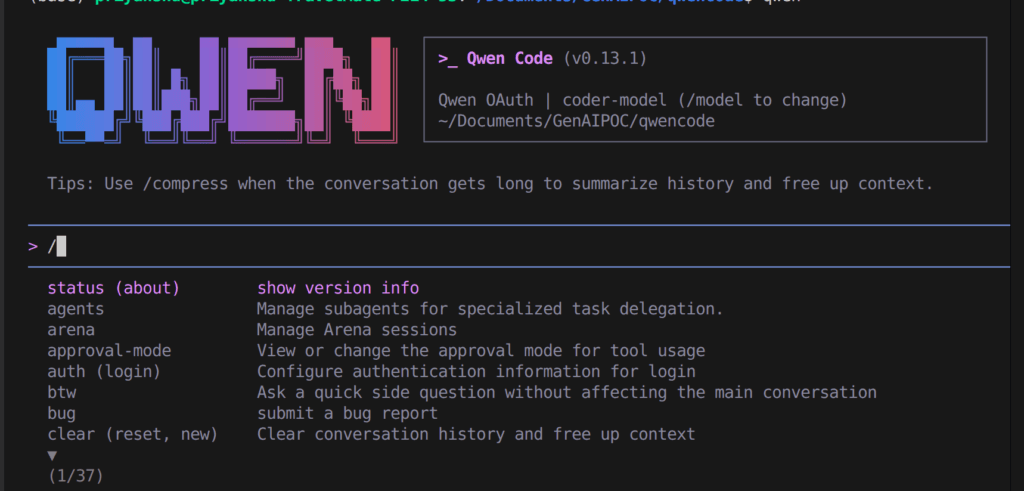
In this guide, you’ll learn what it is, why developers compare it to Claude Code, how to install it, and which commands actually work today.
Table of Contents
What Is Qwen Code?
Qwen Code is an open-source AI coding agent that runs in your terminal. It can:
- Inspect repositories
- Edit files
- Execute commands
- Help debug issues
- Write tests
- Handle multi-step engineering tasks
It’s built by the Qwen team and optimized for coding workflows.
Why people call it a Claude Code alternative
- Terminal-based agent (not just chat)
- Works across multiple files in real codebases
- Supports approvals and interactive workflows
- Useful for debugging, refactoring, and onboarding
Key Facts (Quick Overview)
- Free tier: Up to 1,000 requests/day
- License: Apache 2.0
- Platforms: Linux, macOS, Windows
- CLI Version tested:
qwen 0.13.1
Why Qwen Code Is the Best Free Claude Code Alternative
1. Actually usable free tier
No credit card required. Perfect for students and solo developers.
2. Terminal-first workflow
If you like CLI tools, this feels natural and powerful.
3. Flexible provider support
Start free → switch to APIs later (OpenAI, Claude, Gemini).
4. Open source
You’re not locked into a black-box ecosystem.
Installation
Quick Install
Linux / macOS
bash -c "$(curl -fsSL https://qwen-code-assets.oss-cn-hangzhou.aliyuncs.com/installation/install-qwen.sh)"
Windows (Run as Administrator)
curl -fsSL -o %TEMP%\install-qwen.bat https://qwen-code-assets.oss-cn-hangzhou.aliyuncs.com/installation/install-qwen.bat && %TEMP%\install-qwen.bat
Restart your terminal after installation.
Install with npm (Best)
npm install -g @qwen-code/qwen-code@latest
Requirement: Node.js 20+
Verify Installation
qwen --version
qwen --help
Example output:
qwen --version
# 0.13.1
Authentication
Option 1: Qwen OAuth (Recommended)
qwen auth
- Opens browser login
- Enables free daily quota
- Easiest setup
Not ideal for servers or CI environments
Option 2: API Key Setup
Create:
~/.qwen/settings.json
Example:
{
  "modelProviders": {
    "openai": [
      {
        "id": "qwen3-coder-plus",
        "name": "qwen3-coder-plus",
        "baseUrl": "https://dashscope.aliyuncs.com/compatible-mode/v1",
        "envKey": "DASHSCOPE_API_KEY"
      }
    ]
  },
  "env": {
    "DASHSCOPE_API_KEY": "sk-your-key-here"
  },
  "security": {
    "auth": {
      "selectedType": "openai"
    }
  },
  "model": {
    "name": "qwen3-coder-plus"
  }
}
Your First Session with Qwen Code
cd my-project
qwen
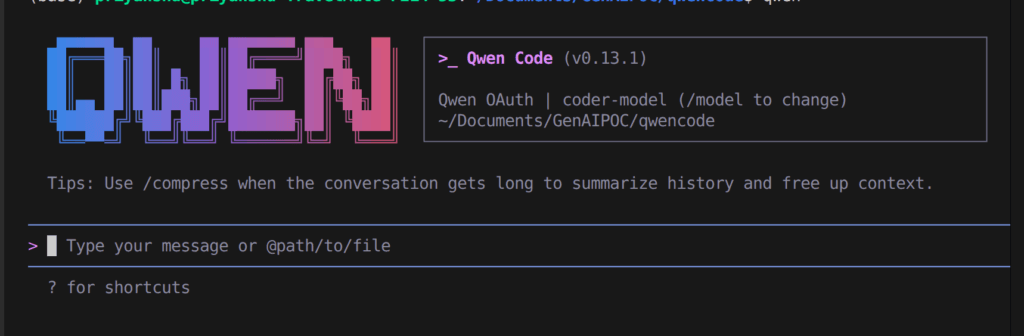
Try prompts like:
What does this project do?
Explain the architecture.
Find the bug causing this test to fail.
Generate unit tests.
One-shot command
qwen "summarize this codebase"
Start + stay interactive
qwen -i "inspect repo and explain services"
⚠️ Note:
-pis deprecated in v0.13.1
Best Ways to Use Qwen Code
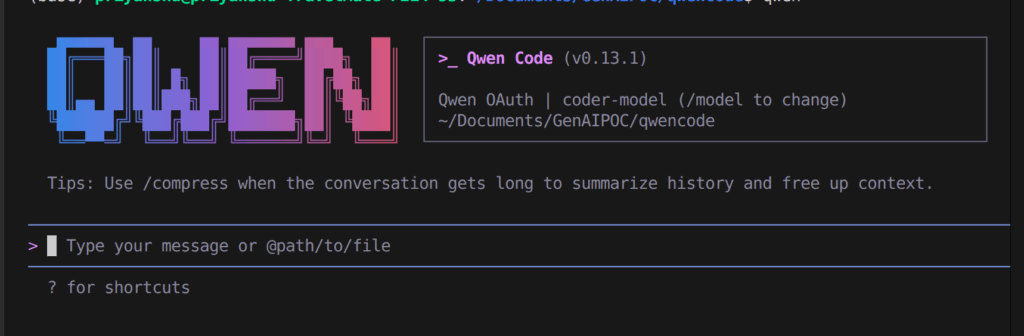
Interactive Mode
qwen
One-shot Queries
qwen "list entry points"
Start with Prompt
qwen -i "review and suggest refactor"
Resume Session
qwen --continue
qwen --resume
Extensions and Editor Support for Qwen Code
You can easily install qwen code extension from vs code market place
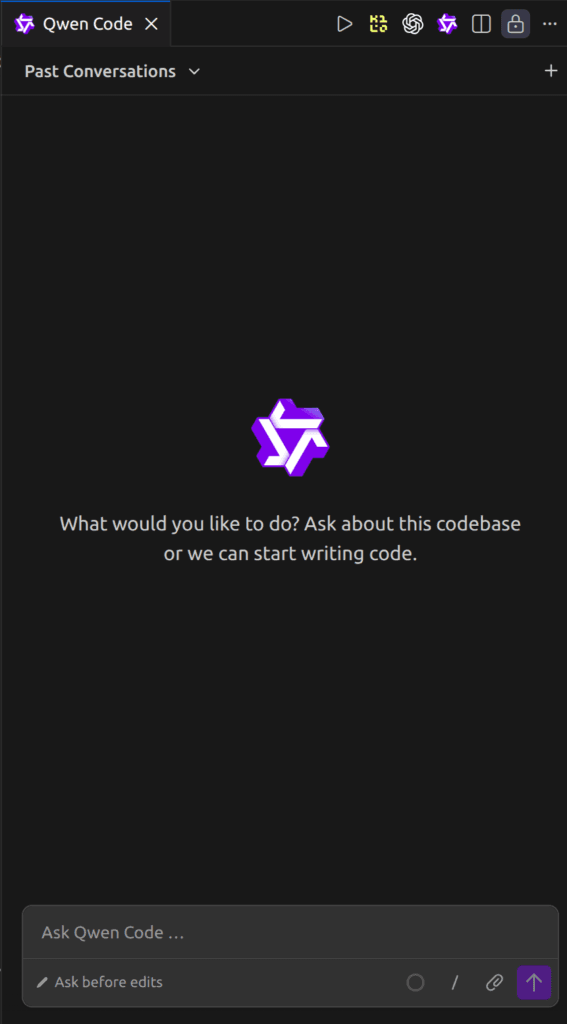
Manage extensions:
qwen extensions --help
Commands:
qwen extensions install <source>qwen extensions listqwen extensions update --allqwen extensions enable <name>qwen extensions disable <name>qwen extensions link <path>qwen extensions new <path>
Useful In-Session Commands for qwen code
| Command | Purpose |
|---|---|
/help | Show commands |
/auth | Re-authenticate |
/model | Switch models |
/clear | Clear chat |
/compress | Reduce context |
/stats | Session info |
/exit | Quit |
Shortcuts
Ctrl + C→ CancelCtrl + D→ Exit- Arrow keys → History
Multi-Provider Configuration in qwen code
{
  "modelProviders": {
    "openai": [
      {
        "id": "gpt-4o",
        "name": "GPT-4o",
        "envKey": "OPENAI_API_KEY"
      }
    ],
    "anthropic": [
      {
        "id": "claude-sonnet-4-20250514",
        "name": "Claude Sonnet 4",
        "envKey": "ANTHROPIC_API_KEY"
      }
    ],
    "gemini": [
      {
        "id": "gemini-2.5-pro",
        "name": "Gemini 2.5 Pro",
        "envKey": "GEMINI_API_KEY"
      }
    ]
  }
}
Configuration Scope
| File | Scope | Use |
|---|---|---|
~/.qwen/settings.json | Global | API keys, defaults |
.qwen/settings.json | Project | Overrides |
Real-World Use Cases for Qwen Code
- Understanding large codebases
- Refactoring across files
- Writing tests
- Debugging issues
- Improving documentation
- Terminal-first development workflows
Troubleshooting
Command not found
which qwen
qwen --version
OAuth not working on server
→ Use API key setup
Context too large
→ Use /compress
CLI changed
qwen --help
Final Verdict
Qwen Code is easily one of the best free Claude Code alternatives available today.
It combines:
- Terminal-first workflow
- Free onboarding
- Open-source flexibility
- Multi-provider support
👉 If you want a powerful AI coding agent without paying upfront, Qwen Code is a no-brainer to try.