
In Java, grouping is a very common operation when working with collections. You often need to organize data into categories — for example:
- Group employees by department
- Group students by grade
- Group orders by status
- Group users by city
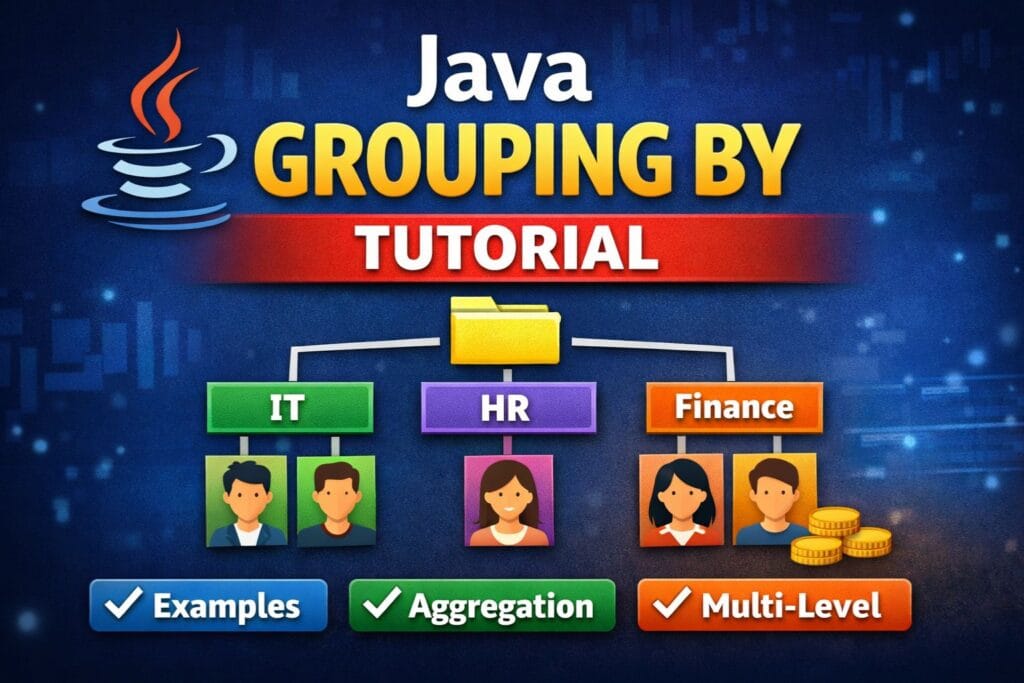
Table of Contents
Before Java 8, this required manual loops, maps, and condition checks. With the introduction of Streams API and Collectors, Java provides a powerful and clean way to perform grouping using:
Collectors.groupingBy()
This tutorial explains Java grouping by in a practical, interview-ready, and developer-friendly way with multiple real-world examples. Everything is written from scratch in a clear style so you can use it for learning or publishing.
What is Grouping By in Java?
Grouping means collecting elements of a stream into groups based on a key.
Think of it like:
- Input → List of objects
- Output → Map<Key, List>
Example idea:
If you group employees by department:
IT → [Employee1, Employee2]
HR → [Employee3]
Finance → [Employee4, Employee5]
Basic Syntax
Collectors.groupingBy(classifierFunction)
Where:
- classifierFunction = logic used to create groups
- Result = Map<K, List>
Example:
Map<String, List<Employee>> result =
    employees.stream()
             .collect(Collectors.groupingBy(Employee::getDepartment));
Example 1 — Basic Grouping By Field
Let’s start with a simple example.
Employee Class
class Employee {
    private String name;
    private String department;
    private int salary;

    public Employee(String name, String department, int salary) {
        this.name = name;
        this.department = department;
        this.salary = salary;
    }

    public String getDepartment() { return department; }
    public String getName() { return name; }
}
Group Employees by Department
Map<String, List<Employee>> grouped =
    employees.stream()
             .collect(Collectors.groupingBy(Employee::getDepartment));
Output Concept
IT=[Rahul, Aman]
HR=[Neha]
Finance=[Riya, Karan]
Explanation
- Stream processes each employee
- Department becomes the key
- Employees with same department are stored in a list
Example 2 — Grouping By with Counting
Sometimes you don’t need the list — just the count.
Count Employees per Department
Map<String, Long> count =
    employees.stream()
             .collect(Collectors.groupingBy(
                 Employee::getDepartment,
                 Collectors.counting()
             ));
Output
IT=2
HR=1
Finance=2
Why This is Useful
- Analytics dashboards
- Reports
- Interview questions
Example 3 — Grouping By with Sum
A common real-world requirement is aggregation.
Total Salary by Department
Map<String, Integer> totalSalary =
    employees.stream()
             .collect(Collectors.groupingBy(
                 Employee::getDepartment,
                 Collectors.summingInt(Employee::getSalary)
             ));
Output
IT=120000
HR=50000
Finance=150000
Key Idea
Grouping + Aggregation = Powerful Data Processing
Example 4 — Grouping By with Mapping
Sometimes you need only specific fields inside grouped results.
Group Department → Employee Names
Map<String, List<String>> names =
    employees.stream()
             .collect(Collectors.groupingBy(
                 Employee::getDepartment,
                 Collectors.mapping(Employee::getName, Collectors.toList())
             ));
Output
IT=[Rahul, Aman]
HR=[Neha]
Finance=[Riya, Karan]
Benefit
Avoid storing full objects when only one field is needed.
Example 5 — Multi-Level Grouping (Nested Grouping)
Real applications often require multiple grouping levels.
Group by Department and Salary Range
Map<String, Map<String, List<Employee>>> result =
    employees.stream()
             .collect(Collectors.groupingBy(
                 Employee::getDepartment,
                 Collectors.groupingBy(emp ->
                     emp.getSalary() > 50000 ? "High" : "Low"
                 )
             ));
Conceptual Output
IT → High → [Rahul]
IT → Low → [Aman]
HR → Low → [Neha]
This is Called
Hierarchical or Nested Grouping
Example 6 — Grouping By Custom Object Key
You are not limited to primitive types.
Group by Salary Category
Map<String, List<Employee>> grouped =
    employees.stream()
             .collect(Collectors.groupingBy(emp -> {
                 if(emp.getSalary() < 30000) return "LOW";
                 else if(emp.getSalary() < 70000) return "MEDIUM";
                 else return "HIGH";
             }));
Real Usage
- Pricing tiers
- User segmentation
- Risk categories
Example 7 — Grouping By with Set Instead of List
Default grouping returns List.
You can customize it.
Map<String, Set<Employee>> grouped =
    employees.stream()
             .collect(Collectors.groupingBy(
                 Employee::getDepartment,
                 Collectors.toSet()
             ));
When to Use
- Remove duplicates
- Unique values required
Example 8 — Grouping By with TreeMap (Sorted Keys)
If you want sorted output:
Map<String, List<Employee>> grouped =
    employees.stream()
             .collect(Collectors.groupingBy(
                 Employee::getDepartment,
                 TreeMap::new,
                 Collectors.toList()
             ));
Benefit
- Sorted keys automatically
- Useful for reporting systems
Example 9 — Grouping By with Max Value
Find highest salary employee per department.
Map<String, Optional<Employee>> highest =
    employees.stream()
             .collect(Collectors.groupingBy(
                 Employee::getDepartment,
                 Collectors.maxBy(
                     Comparator.comparing(Employee::getSalary)
                 )
             ));
Interview Favorite
This combines:
- groupingBy
- comparator
- maxBy
Example 10 — Grouping By in Real Projects
Common production-level use cases:
1. Log Processing
Group logs by level:
ERROR
INFO
DEBUG
2. Ecommerce
Group orders by:
- Customer
- Order Status
- Payment Type
3. Analytics Systems
Group events by:
- Date
- User
- Region
4. Backend APIs (Spring Boot)
Convert database result lists into structured API responses.
Performance Considerations
1. Streams Are Powerful but Not Always Free
Grouping creates maps and lists in memory.
For huge datasets:
- Consider parallelStream()
- Use database GROUP BY when possible.
2. Parallel Stream Example
employees.parallelStream()
         .collect(Collectors.groupingBy(Employee::getDepartment));
Use only when:
- Dataset is large
- Operations are CPU heavy
Common Mistakes Developers Make
Mistake 1 — Forgetting Downstream Collector
Wrong:
groupingBy(Employee::getDepartment)
When you actually needed count/sum.
Mistake 2 — Using Grouping Instead of Mapping
Sometimes mapping() inside grouping is cleaner.
Mistake 3 — Complex Lambdas
Move logic into methods for readability.
Interview Questions Based on Grouping By
- Difference between groupingBy and partitioningBy
- How to perform multi-level grouping?
- How to get max salary per department?
- How to return sorted grouping?
- How to group and count elements?
If you understand this tutorial, you can answer most Java Stream grouping interview questions confidently.
Summary
Java grouping by is one of the most useful features of the Stream API. It allows developers to:
- Organize data elegantly
- Perform aggregation easily
- Reduce manual loop code
- Write clean and maintainable logic
Key things you learned:
- Basic grouping
- Counting and summing
- Mapping fields
- Nested grouping
- Custom keys
- Sorted grouping
- Aggregation functions
Mastering Collectors.groupingBy() will significantly improve your backend coding skills and make your Java code cleaner and more professional.
1 thought on “Grouping By in Java — Complete Tutorial with Multiple Examples”