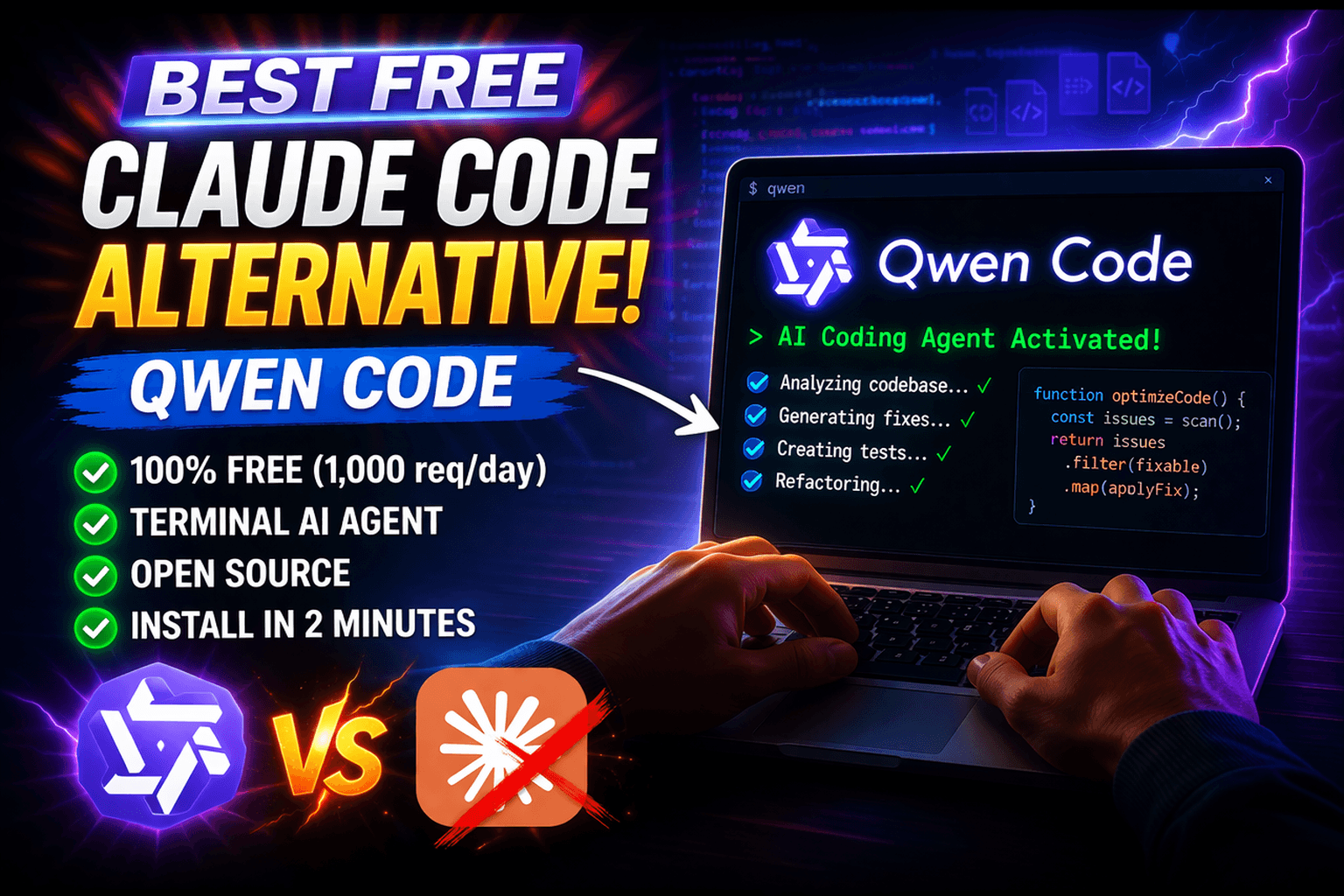
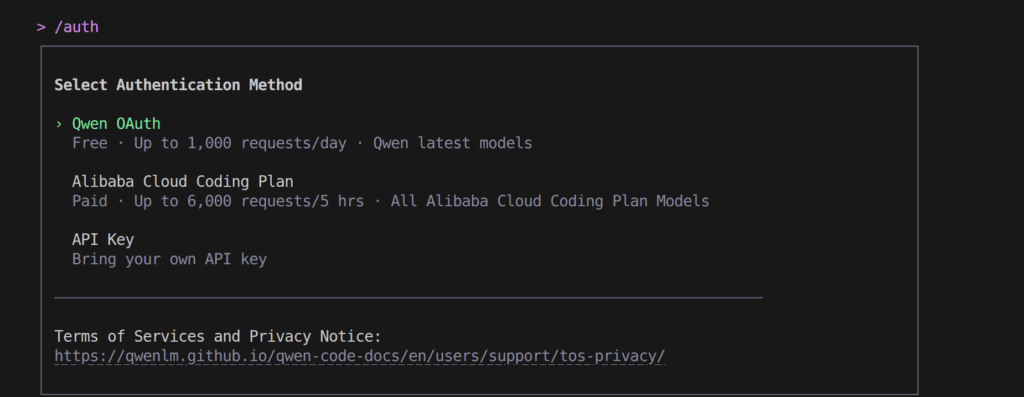
2026-04-15: Qwen OAuth free tier has been discontinued. To continue using Qwen Code, switch to Alibaba Cloud Coding Plan, OpenRouter, Fireworks AI, or bring your own API key. Run qwen auth to configure.

As AI-assisted software development rapidly evolves, developers are shifting away from browser-based chatbots and moving toward tools that live directly where they build: the terminal. While Anthropic’s Claude Code has set a high standard for terminal-based AI agents, it relies on API costs that can quickly drain the budgets of independent developers, freelancers, and startups.
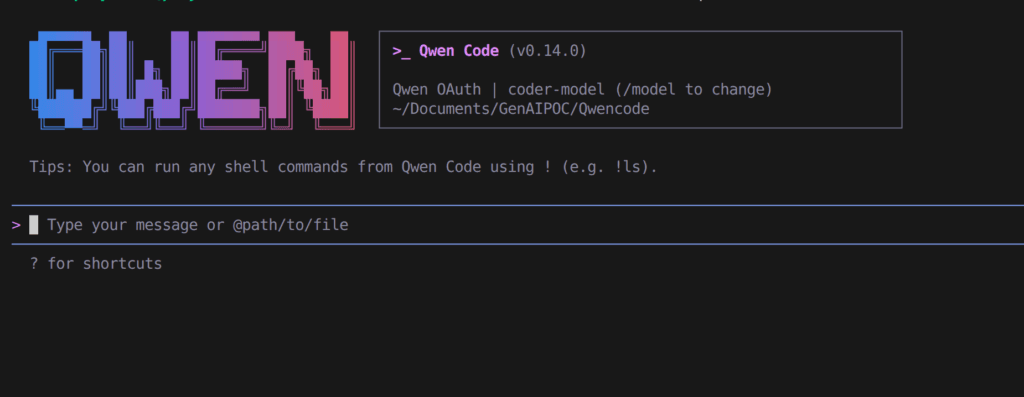
Qwen Code is a terminal-first coding agent from the Qwen ecosystem. This article explains its workflow, model configuration, authentication options, and practical use cases. Access costs depend on the provider and plan you choose; the OAuth free tier mentioned in this article was discontinued in April 2026.
This guide focuses on how Qwen Code works, how to configure a supported model or provider, and where it fits compared with other terminal coding assistants. Rather than assuming one model is universally better, evaluate the exact model, provider, latency, context length, and coding tasks relevant to your workflow.
Table of Contents
What is Qwen Code? The Ultimate Open-Source AI Agent
Qwen Code is an open-source AI agent explicitly designed for command-line interfaces. Developed by the team at Alibaba Cloud (QwenLM), it is fully optimized to understand vast codebases, automate tedious refactoring, execute scripts, and ship features faster without ever requiring you to leave the terminal.
Unlike standard generative AI interfaces that simply output code snippets, Qwen Code functions as an autonomous agent. Utilizing built-in Skills and SubAgents, it operates in a complete agentic loop. This means Qwen Code can:
- Read and navigate local files autonomously.
- Execute terminal commands and run your test suites.
- Debug syntax errors through iterative self-correction.
- Scaffold entirely new project architectures from scratch.
The Power Engine: Qwen 3.6-Plus Model Capabilities
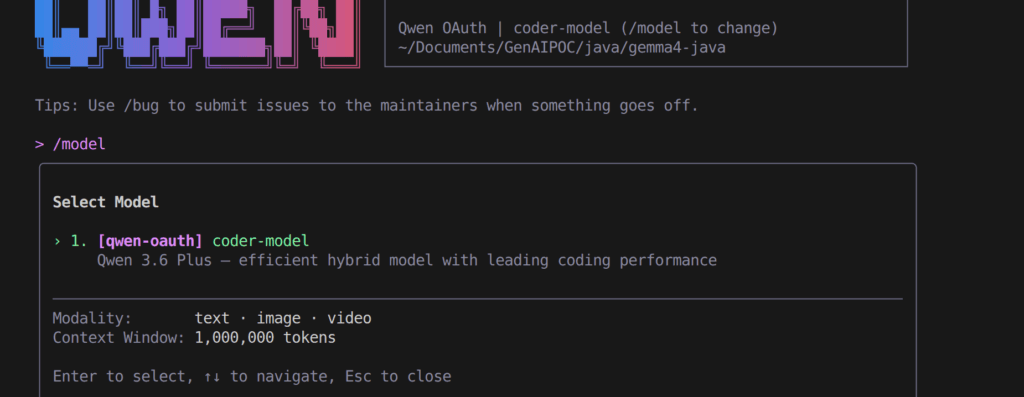
An AI coding assistant is only as good as its underlying foundation model. Released at the end of March 2026, Qwen 3.6-Plus is a next-generation proprietary model fundamentally optimized for agentic workflows, long-context retrieval, and repository-level problem-solving.
1. Breaking Down the Benchmarks: SWE-bench and Terminal-Bench
- SWE-bench Verified (Score: 78.8): Evaluates real-world GitHub issue resolution.
- Terminal-Bench 2.0 (Score: 61.6): Measures advanced terminal task execution.
2. Massive 1 Million Token Context Window
With a massive default context window of 1 Million tokens, Qwen 3.6-Plus can ingest entire codebases, logs, and documentation in a single prompt.
3. Advanced Multimodal UI/UX Understanding
Qwen 3.6-Plus can analyze UI designs, mockups, and prototypes to generate accurate frontend implementations.
Qwen Code vs. Claude Code: A Direct Comparison & The Limits of Claude
The Limits of Claude Code
- Prohibitive Costs: High API usage costs.
- Closed Ecosystem: Vendor lock-in.
- Approval Friction: Requires manual confirmations.
Head-to-Head Comparison Table ( Claude Code vs Qwen Code)
| Feature / Tool | Claude Code | Qwen Code |
|---|---|---|
| Pricing | High API costs | Free Tier (1,000 requests/day) |
| Model Lock-in | Locked | BYOK (OpenAI, Gemini, Ollama) |
| Open Source | Closed | Fully Open Source |
| Execution Mode | Manual approvals | YOLO Mode |
| Context Window | 200k Tokens | 1M Tokens |
1. The Ultimate Generous Free Tier
Earlier versions of this guide described a free Qwen OAuth allowance. Treat that information as historical: access limits, authentication methods, and provider availability can change. Before relying on a free tier, check the current Qwen Code documentation and the provider you plan to use.
2. Open-Source Freedom (BYOK)
Supports OpenAI, Gemini, Anthropic, and local models.
3. YOLO Execution Mode
Runs commands autonomously without interruptions.
Step-by-Step Guide: How to Install and Use Qwen Code
Step 1: Qwen Code Install
npm install -g @qwen-code/qwen-code@latest
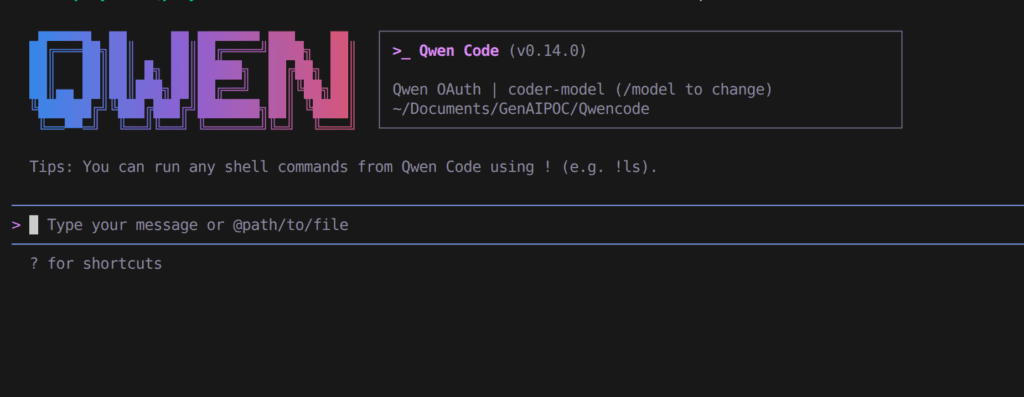
Step 2: Qwen Code Start
qwen
Step 3: Qwen Code Authenticate
Use /auth to unlock free tier.
Step 4: Start Coding
“What does this project do?”
“Refactor authController.js”
“Generate unit tests”
FAQs
Is it free? Yes, fully open-source with free API access.
IDE support? Yes, VS Code & others supported.
Local models? Yes via Ollama/LM Studio.
A Safer Workflow for AI Coding Agents
Terminal coding agents can modify files, run commands, and execute tests, so the safest workflow is to give the agent a narrow task and review the resulting diff. For an unfamiliar repository, start with read-only exploration, identify the files involved, run the existing tests, and only then allow changes.
- Keep the repository under version control before making agent-driven changes.
- Ask the agent to explain the intended changes before applying a large refactor.
- Run unit tests and linters after each meaningful change.
- Do not paste secrets, production credentials, or private keys into prompts.
- Review shell commands before allowing an agent to execute destructive operations.
Conclusion
Qwen Code, powered by Qwen 3.6-Plus, delivers a powerful, free, terminal-based AI coding experience. It removes cost barriers while providing advanced capabilities for modern developers.
Have you made the switch? Share your experience below!
1 thought on “Qwen Code with Qwen 3.6-Plus: An Alternative to Claude Code”