
If you’ve ever wanted to convert Python code into an image, you’re in the right place. Creating images from Python code is useful for blog posts, tutorials, documentation, social media sharing, and presentations.
In this guide, you’ll learn multiple ways to convert Python code to image, from simple scripts to advanced syntax-highlighted outputs.
Why Convert Python Code to Image?
Converting code to images has many real-world benefits:
- 📌 Share code snippets on Instagram, LinkedIn, Twitter
- 📌 Prevent code copying in premium content
- 📌 Improve visual appeal of blogs & tutorials
- 📌 Embed code in PDFs, slides, and thumbnails
Best Ways to Convert Python Code to Image
We’ll cover 3 popular and practical approaches:
- Using Pillow (PIL)
- Using Pygments for syntax highlighting
- Using Carbon-style images programmatically
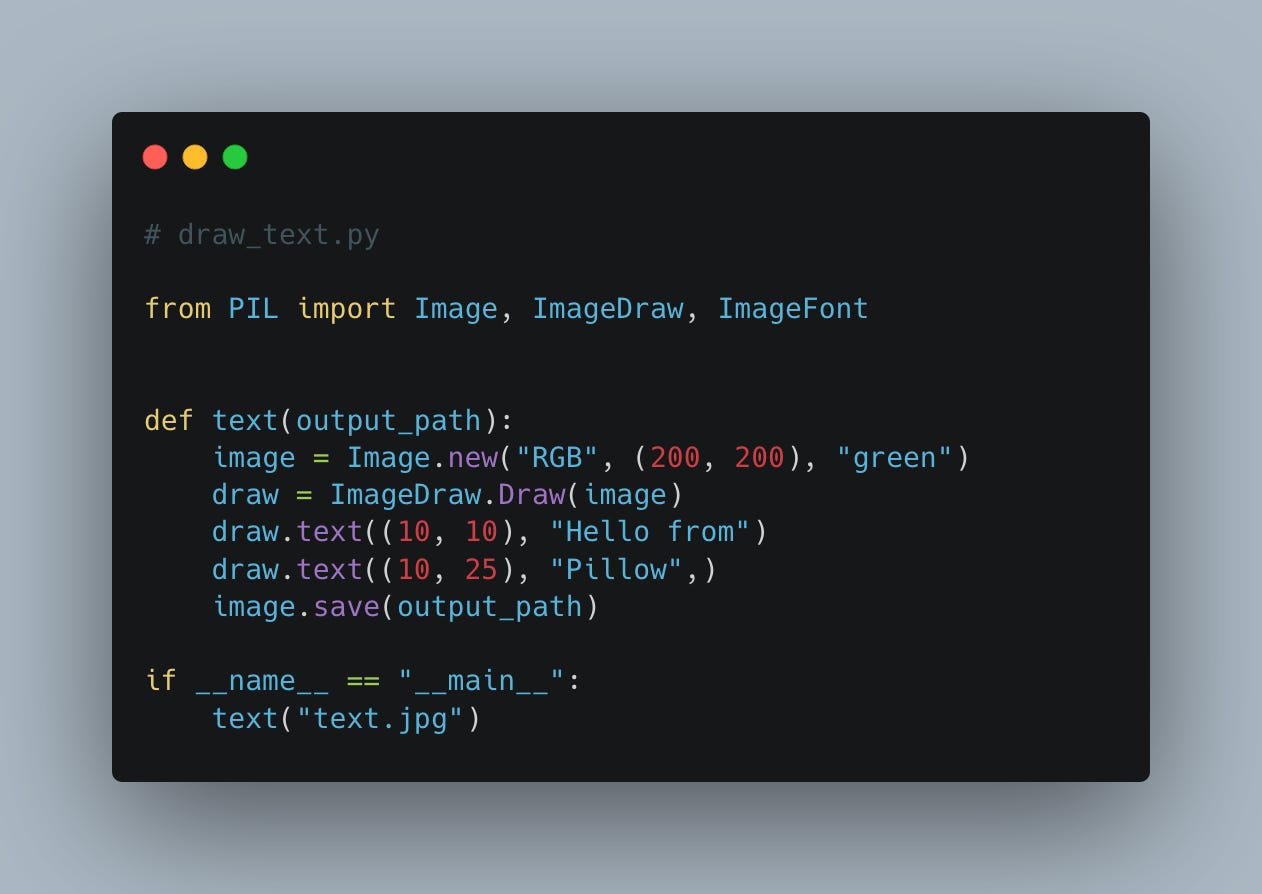
Method 1: Python Code to Image Using Pillow (Beginner Friendly)

Step 1: Install Pillow
pip install pillow
Step 2: Simple Python Script
from PIL import Image, ImageDraw, ImageFont

code = """def hello():
    print("Hello, World!")"""

img = Image.new("RGB", (800, 300), color="white")
draw = ImageDraw.Draw(img)

font = ImageFont.load_default()
draw.text((20, 20), code, fill="black", font=font)

img.save("python_code.png")
Output
✅ A PNG image containing your Python code.
Pros
- Very easy to use
- No extra dependencies
Cons
- ❌ No syntax highlighting
Method 2: Python Code to Image with Syntax Highlighting (Recommended)
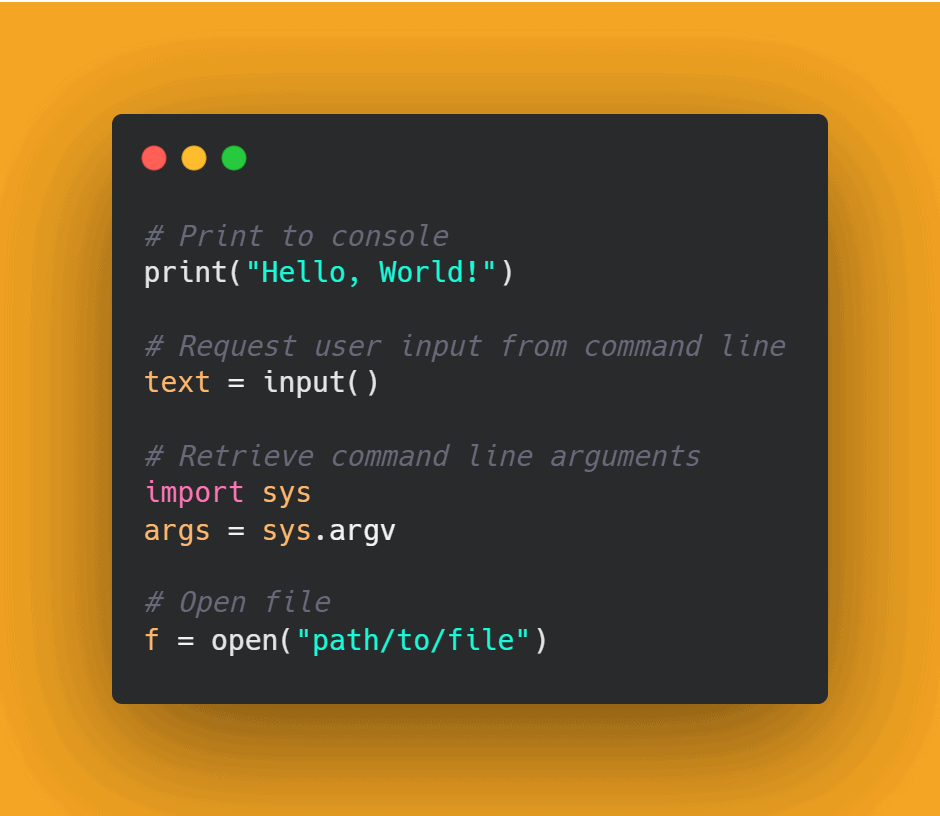
This is the most professional method.
Step 1: Install Required Libraries
pip install pygments pillow
Step 2: Convert Code to Image
from pygments import highlight
from pygments.lexers import PythonLexer
from pygments.formatters import ImageFormatter

code = '''
def add(a, b):
    return a + b
'''

formatter = ImageFormatter(font_name='DejaVu Sans Mono', font_size=18)
image = highlight(code, PythonLexer(), formatter)

with open("python_code.png", "wb") as f:
    f.write(image)
Features
✔ Syntax highlighting
✔ Custom fonts
✔ Line numbers support
Best For
- Blog posts
- Documentation
- Educational content
Method 3: Advanced Python Code to Image (Carbon-Style)
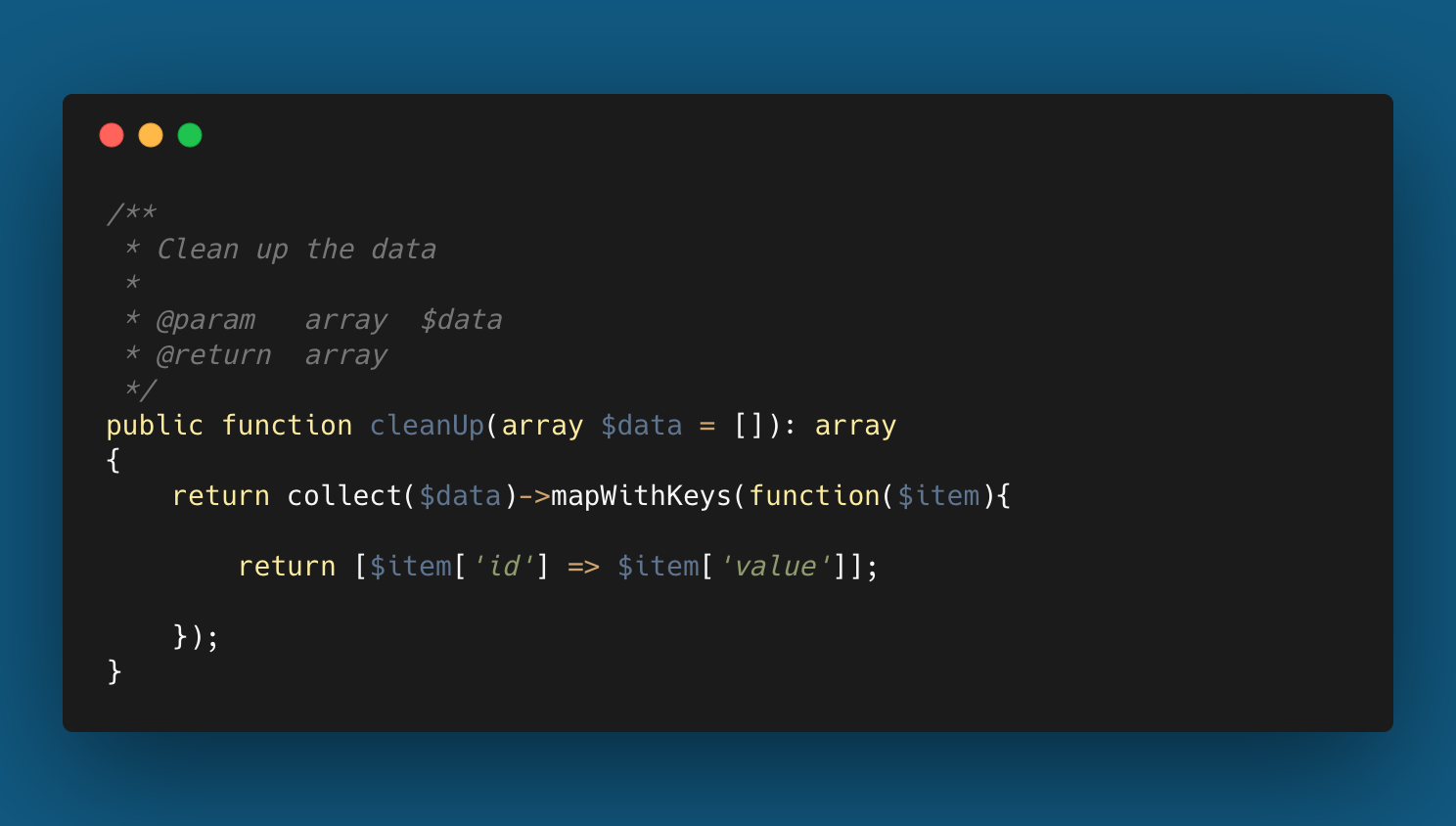
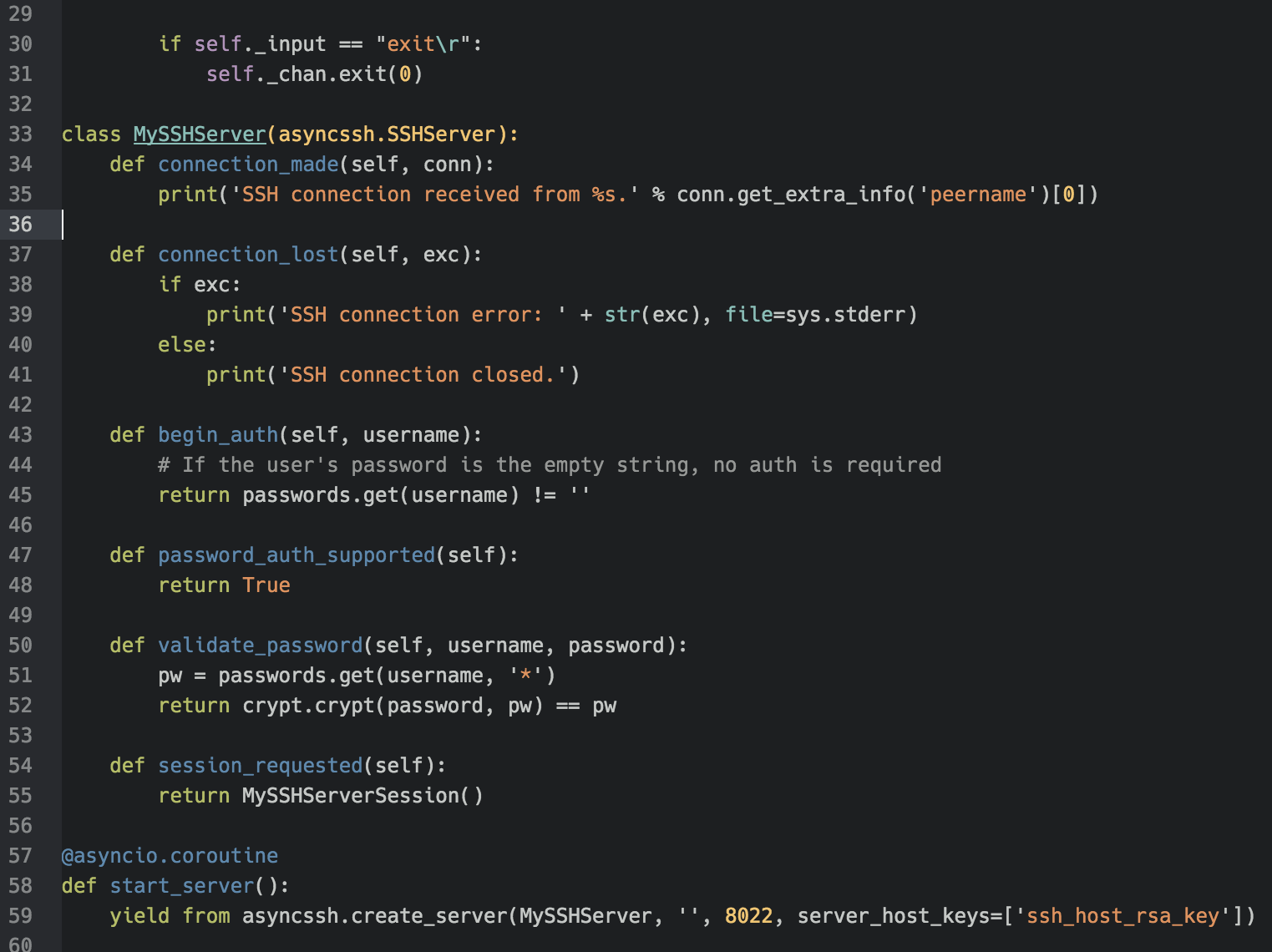

To create beautiful, dark-theme images like Carbon, you can:
- Use Pygments themes
- Customize background colors
- Add padding, rounded corners
formatter = ImageFormatter(
    style="monokai",
    font_size=20,
    line_numbers=True,
    image_pad=20,
    background_color="#1e1e1e"
)
This produces social-media-ready images 📸.
Real-World Use Cases
| Use Case | Benefit |
|---|---|
| Blog tutorials | Better readability |
| LinkedIn posts | Higher engagement |
| Online courses | Prevent plagiarism |
| PDFs / Slides | Clean embedding |
Common Errors & Fixes
❌ Font not found
✔ Use ImageFont.load_default()
❌ Unicode error
✔ Use UTF-8 fonts like DejaVu Sans Mono
❌ Blurry text
✔ Increase font size and DPI
Frequently Asked Questions (FAQ)
❓ Can Python convert code to image automatically?
Yes, using Pillow + Pygments, Python can fully automate code-to-image generation.
❓ Is this better than online tools?
✔ Yes. Python gives:
- Automation
- Custom styling
- Bulk processing
❓ Which format is best?
PNG is recommended for clarity and web usage.