Published May 2, 2026 | Tags: Claude Code, Gemma 4, Google AI, Developer Tools, Open Source
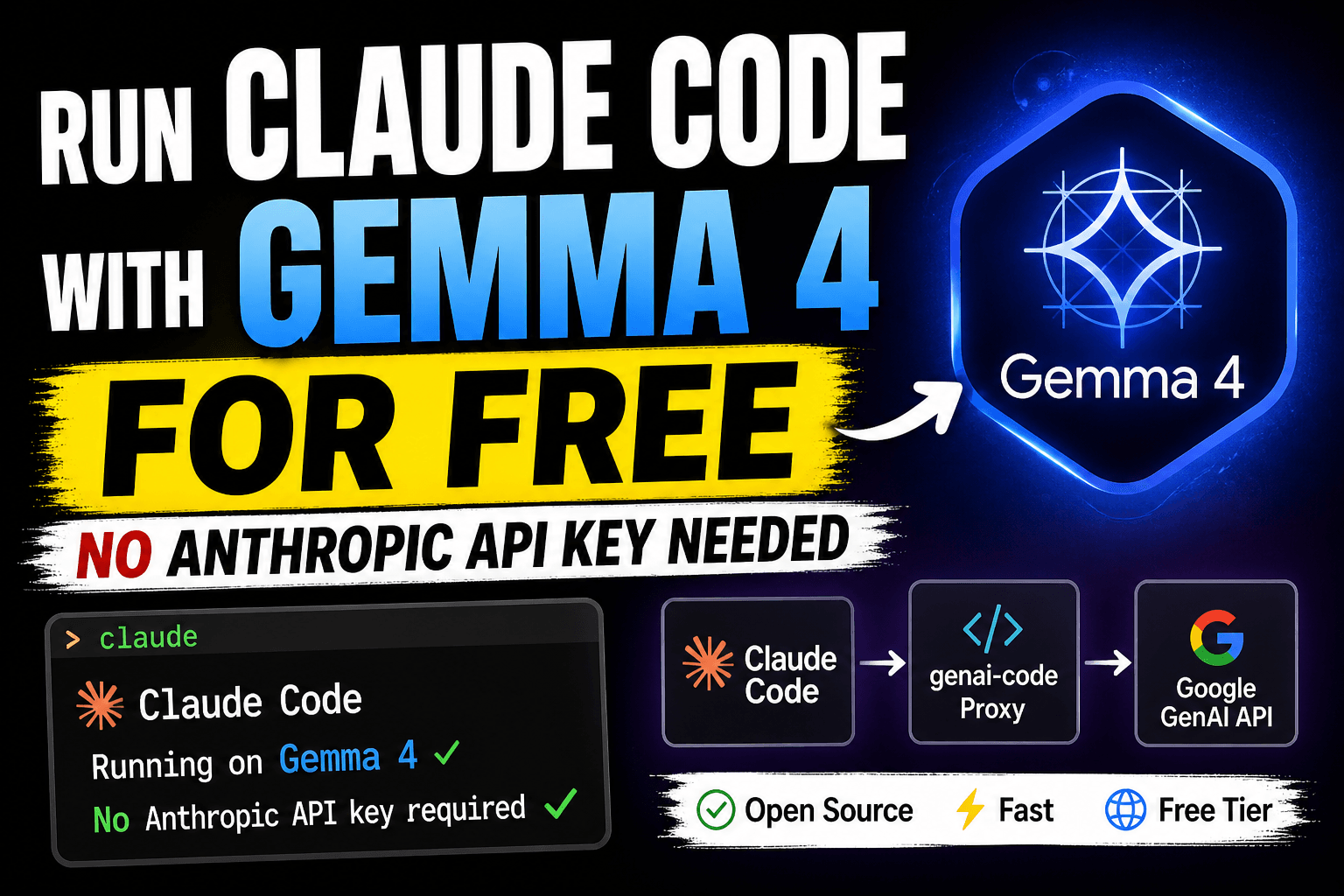
Claude Code can be connected to alternative model backends through compatible interfaces. This article demonstrates one such workflow: a FastAPI proxy translates Claude Code requests into calls to Google’s GenAI API, allowing a developer to experiment with Gemma or Gemini models. Availability, model access, and API pricing can change, so the example should be treated as a technical integration rather than a promise of free service.
In this post, we’ll walk through exactly how it works, why it matters, and how you can get up and running in under five minutes.
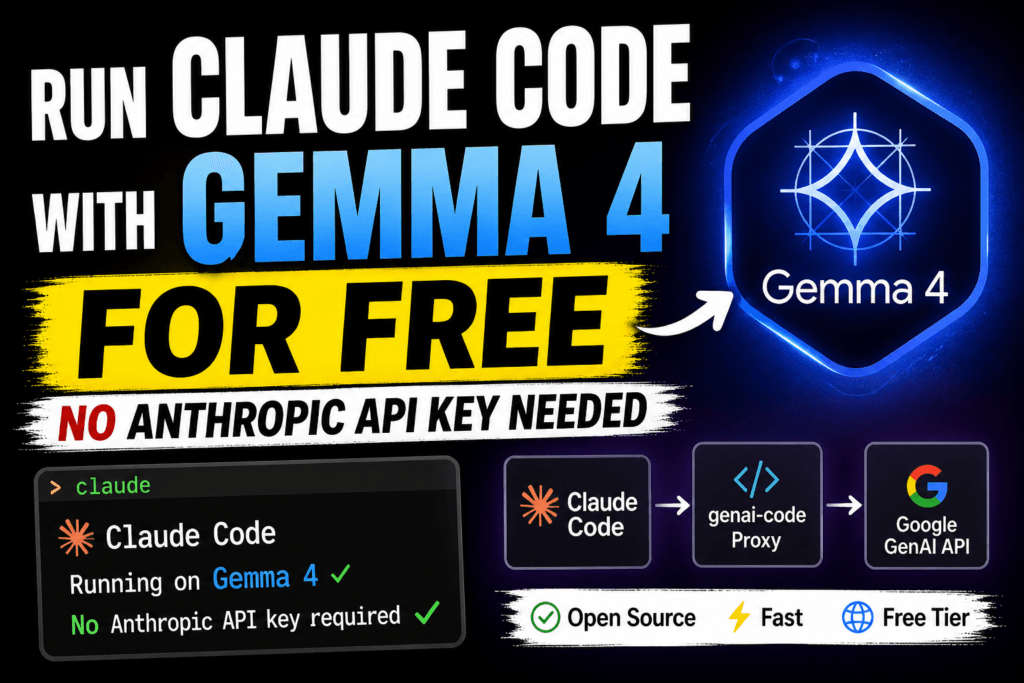
Table of Contents
The Problem: Claude Code is Powerful, But Costs Money
Claude Code is a terminal-based coding assistant that can work with files, commands, and development tasks. The cost and authentication requirements depend on the account and model configuration used. When another model backend is placed behind a compatible interface, the model and provider determine the resulting usage and cost.
Meanwhile, Google has made Gemma 4 and the Gemini model family available through Google AI Studio — with a generous free tier. The models are capable, fast, and support tool calling and streaming. The missing piece? A bridge between Claude Code’s Anthropic-format API calls and Google’s GenAI API.
That’s exactly what genai-code provides.
What Is genai-code?
genai-code is a lightweight Python proxy server built with FastAPI. It sits between Claude Code and the Google GenAI API, acting as a transparent translator. Claude Code thinks it’s talking to Anthropic’s servers — but every request is actually being forwarded to Gemma 4 or whichever Google model you choose.
Here’s the architecture in a nutshell:
Claude Code ──POST /v1/messages──▶ FastAPI Proxy ──generateContent──▶ Google GenAI API
     ▲                                    │
     │         SSE stream / JSON          │         Gemma 4 / Gemini
     └────────────────────────────────────┘
The proxy handles all the format translation transparently — including tool calls, streaming (SSE), and error shapes — so your Claude Code workflow stays completely unchanged.
Key Features
- Anthropic Messages API compatible — works with Claude Code and any Anthropic SDK client out of the box
- Dynamic model passthrough — specify any GenAI model per-request (Gemma 4, Gemini 2.5 Flash, Gemini 2.5 Pro, etc.)
- Full SSE streaming — real-time token streaming with proper block indexing
- Tool / function calling — Claude Code’s built-in tools (read, write, edit, bash) work via automatic function-calling translation
- Google Search grounding — optional web search enabled by default for factual queries
- Thinking / reasoning control — configure reasoning depth with
budget_tokens(maps to LOW/MEDIUM/HIGH on the GenAI side) - Retry logic — automatic retries with exponential backoff on transient failures
- Disconnect detection — avoids wasted API calls when clients disconnect mid-stream
Prerequisites
Before you start, make sure you have:
- Python 3.10+ installed
- Claude Code installed (
npm install -g @anthropic-ai/claude-code) - A free Google AI Studio API key — grab one here
Step-by-Step Setup
Step 1: Clone the Repository
git clone https://github.com/thecodedata/genai-code
cd genai-code
Step 2: Install Python Dependencies
pip install -r requirements.txt
The project uses FastAPI, Uvicorn, and the Google GenAI SDK. Everything installs in seconds.
Step 3: Configure Your API Key
cp .env.example .env
Open .env and add your Google AI Studio key:
GEMINI_API_KEY=your_key_here
Step 4: Start the Proxy
uvicorn main:app --host 0.0.0.0 --port 8000
Verify it’s running with a quick health check:
curl http://localhost:8000/health
# {"status":"ok","gemini_api_key_set":true,"model":"gemma-4-26b-a4b-it",...}
Step 5: Point Claude Code at the Proxy
Create (or edit) a .claude/settings.json file in your project root — or use ~/.claude/settings.json to apply it globally:
{
    "$schema": "https://json.schemastore.org/claude-code-settings.json",
    "env": {
        "ANTHROPIC_AUTH_TOKEN": "sk-my-local-proxy-key",
        "ANTHROPIC_BASE_URL": "http://localhost:8000",
        "ANTHROPIC_MODEL": "gemma-4-26b-a4b-it",
        "ANTHROPIC_SMALL_FAST_MODEL": "gemma-4-26b-a4b-it"
    }
}
Now just run claude from your terminal as normal. Every request will silently route through Gemma 4 — no other changes needed.
Switching Models on the Fly
One of the nicest features is that you can change the underlying model at any time simply by updating ANTHROPIC_MODEL in your settings file. Any model supported by the Google GenAI SDK works:
gemma-4-26b-a4b-it— the default; great balance of quality and speedgemma-4-29b-a4b-it— larger variant for more complex reasoninggemini-2.5-flash— fastest option; best tool-calling reliabilitygemini-2.5-pro— highest capability for demanding tasks
Tip: If you’re running into issues with tools not being called correctly, try switching to
gemini-2.5-flash— it has the strongest function-calling support of the available models.
Advanced: Enabling Reasoning / Thinking
The proxy supports Google’s thinking/reasoning configuration. You can control the reasoning depth by passing a thinking object in your API requests:
{
    "model": "gemma-4-26b-a4b-it",
    "messages": [...],
    "thinking": {
        "type": "enabled",
        "budget_tokens": 10000
    }
}
The proxy maps budget_tokens to GenAI thinking levels automatically: under 2,000 tokens maps to LOW, 2,000–8,000 maps to MEDIUM, and 8,000 or above maps to HIGH reasoning depth.
How the Protocol Translation Works
The technical heart of this project is the bidirectional translation between Anthropic’s Messages API format and Google’s GenAI generateContent format. Here’s what the proxy handles behind the scenes:
- Message format: Anthropic’s
user/assistantroles map to GenAI’sContentobjects withuser/modelroles - Tool definitions: Anthropic’s
input_schemaformat is translated to GenAI’sFunctionDeclarationformat - Tool results:
tool_resultblocks becomeFunctionResponseparts - Streaming: GenAI’s streaming chunks are re-formatted into Anthropic’s SSE event format with proper
content_block_deltaevents andindextracking - Error shapes: API errors are returned in Anthropic’s error format so Claude Code handles them gracefully
This is non-trivial engineering — and it all happens transparently in the proxy layer so you never have to think about it.
Troubleshooting Common Issues
| Symptom | Likely Cause | Fix |
|---|---|---|
GEMINI_API_KEY env var not set | Missing API key | Set GEMINI_API_KEY in .env or export it |
502 error in Claude Code | GenAI API failure | Check logs; retry logic handles most transient errors |
| Tools not being called | Model tool-calling support | Switch to gemini-2.5-flash |
| Empty responses | max_tokens too low | Increase max_tokens (capped at 8192) |
| Slow responses | High thinking budget or large context | Reduce budget_tokens or use gemini-2.5-flash |
You can also enable debug logging from Uvicorn to see exactly what’s happening:
uvicorn main:app --host 0.0.0.0 --port 8000 --log-level debug
Why This Matters
This project is a great example of how the standardization of AI APIs enables real ecosystem innovation. Because Claude Code speaks a well-defined protocol, any sufficiently compatible server can serve as its backend. The genai-code proxy exploits exactly this — creating a “Claude Code anywhere” experience powered by free-tier Google models.
For developers who want to:
- Experiment with Claude Code without API costs
- Run agentic coding workflows entirely on-premise or locally
- Compare Gemma and Gemini models on real coding tasks
- Build custom AI coding toolchains using open models
…this is a compelling starting point.
Get Started Today
The full source code is available at https://github.com/thecodedata/genai-code The project is MIT-licensed and actively welcomes contributions — especially around improved tool schema translation, Docker packaging, and multi-model support.
If you try it out, drop a comment below and let us know which model worked best for your use case!
Have questions or ran into an issue? Leave a comment below or open an issue on GitHub.