
Is your documentation workflow slowing you down? Discover the lightweight, browser-based editor that renders your Markdown in real-time.
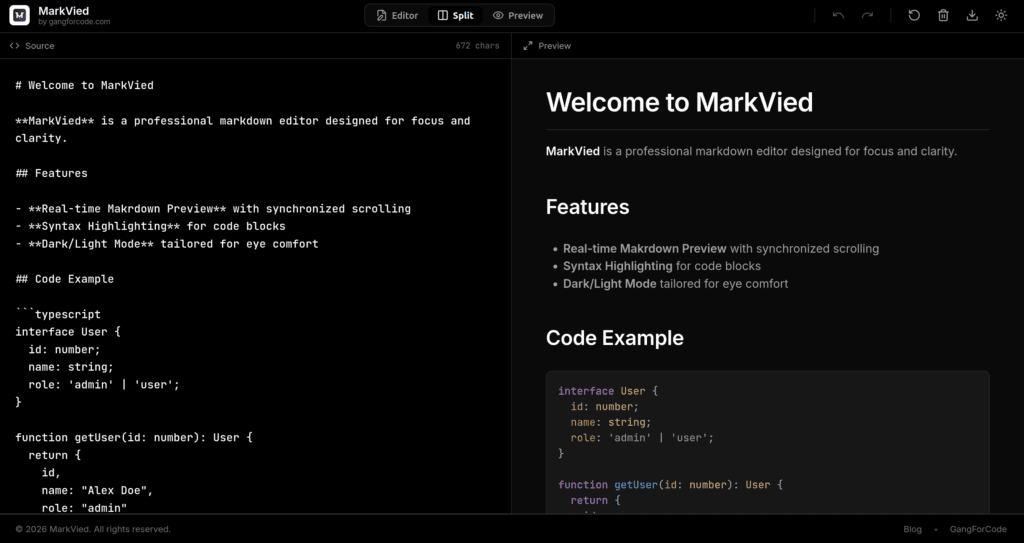
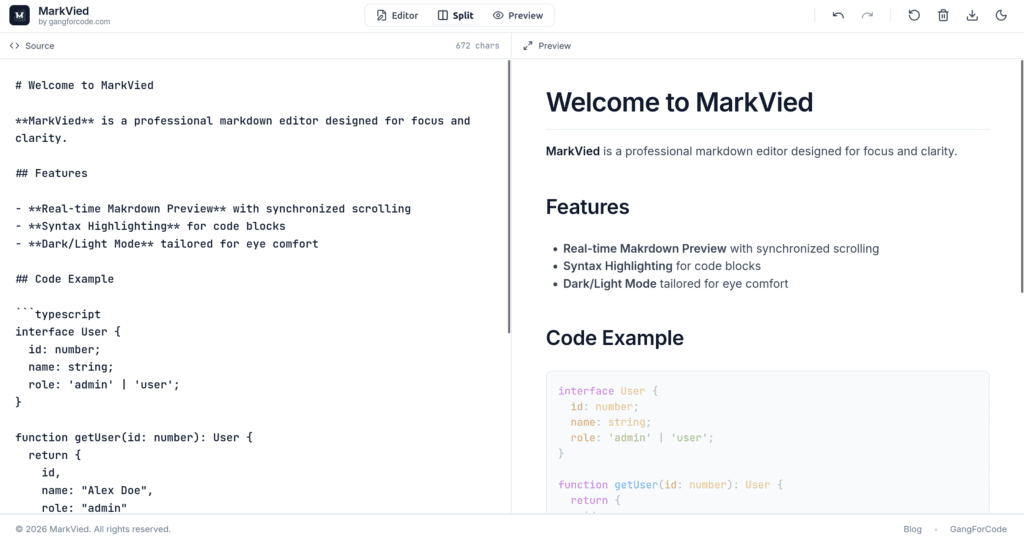
For developers, technical writers, and note-takers, Markdown is the universal language of the web. It powers our GitHub READMEs, our documentation, and even our Slack messages. But let’s be honest: firing up a heavy IDE or guessing how your syntax will render can be a friction point you don’t need.
Enter Markvied—a streamlined, powerful online tool hosted by GangForCode that is quietly becoming a favorite for quick, distraction-free Markdown editing.
How to Get Started
There is no sign-up wall or credit card required.
- Navigate to https://gangforcode.com/markvied/.
- Start typing your Markdown on the left side of the screen.
- Watch your document come to life instantly on the right.
Why You Need Another Markdown Editor
You might ask, “Doesn’t my code editor already do this?” Yes, but at a cost. Opening VS Code or IntelliJ just to tweak a .md file or draft a blog post is like using a sledgehammer to crack a nut.
Markvied fills the gap between “I need to write this down now” and “I need it to look professional.” It runs entirely in your browser, requiring no installation, no heavy resource usage, and zero setup time.
Key Features That Boost Productivity
Markvied isn’t just a text box; it’s designed for the modern workflow. Here is why you should bookmark it today:
- ⚡ Real-Time Live Preview: The “View” in Markvied stands for visibility. As you type on the left, the right pane instantly renders your content. No more saving, switching tabs, and refreshing to see if your table alignment is correct.
- 🚀 Zero-Install, Browser-Based: Whether you are on your powerful dev machine, a borrowed laptop, or a Chromebook, Markvied works instantly. Just visit the URL and start typing.
- clean & Distraction-Free UI: The interface strips away the clutter of complex toolbars, letting you focus entirely on your content. It’s perfect for deep-work writing sessions.
- Developer-Ready: Brought to you by GangForCode, a hub known for developer resources, this tool understands the syntax you actually use—code blocks, inline code, and complex formatting are handled with ease.
Perfect Use Cases
- GitHub READMEs: Draft and preview your
README.mdfiles instantly to ensure they look perfect before you commit. - Quick Documentation: Need to write a quick “How-To” guide for your team? Write it in Markvied, snap a screenshot of the preview, or copy the clean syntax directly.
- Learning Markdown: If you are new to the syntax, the instant feedback loop is the fastest way to learn what
**bold**,[links](url), and> blockquoteslook like.
How to Get Started
There is no sign-up wall or credit card required.
- Navigate to https://gangforcode.com/markvied/.
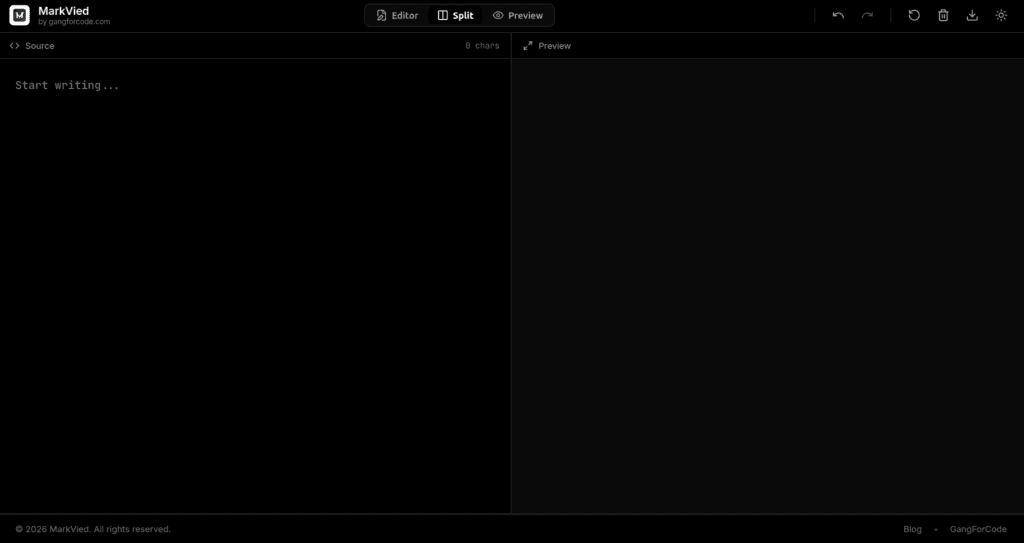
- Start typing your Markdown on the left side of the screen.
- Watch your document come to life instantly on the right.
The Verdict
In a world of bloated software, Markvied is a breath of fresh air. It does one thing—editing Markdown with a live preview—and it does it exceptionally well. Next time you need to jot down code notes or fix a documentation error, skip the loading screens and head straight to Markvied.