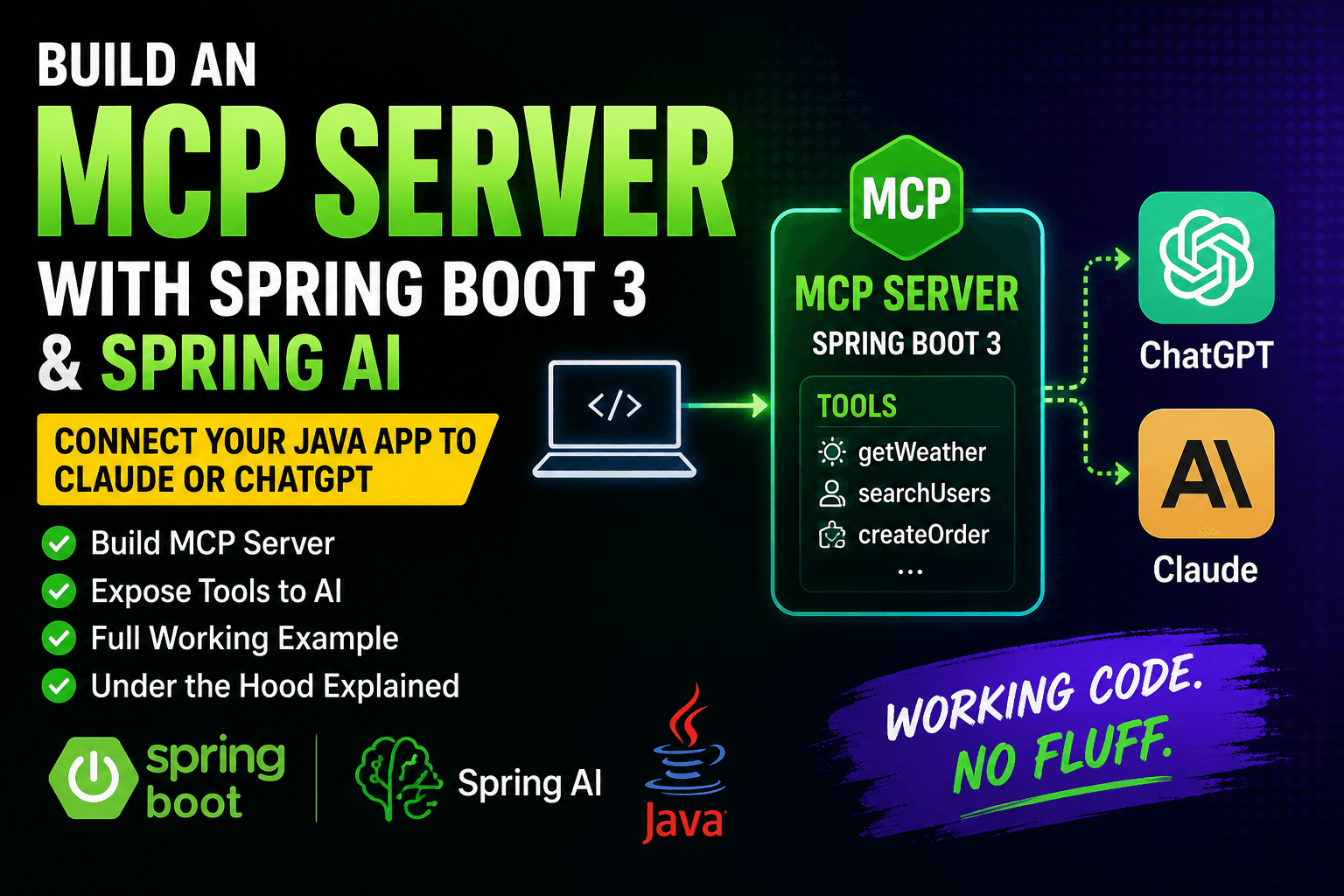
If you’re a Java developer who has been watching the AI wave and wondering “how do I plug my Spring Boot app into an LLM like Claude or ChatGPT?” — Model Context Protocol (MCP) is the answer you’ve been waiting for.
In this guide, you’ll build a fully working MCP Server using Spring Boot 3 and Spring AI, expose it as a tool to an AI model, and understand exactly what’s happening under the hood. No fluff, just working code.
Table of Contents
What Is MCP (Model Context Protocol)?
Introduced by Anthropic in late 2024, Model Context Protocol (MCP) is an open standard that defines how AI applications talk to external tools and data sources. Think of it as a universal plug — instead of writing custom integrations for every LLM, you write one MCP Server and any compatible AI client (Claude, Cursor, VS Code Copilot, etc.) can connect to it.
Without MCP:
Your App → Custom code for Claude
Your App → Custom code for GPT-4
Your App → Custom code for Gemini
With MCP:
Your App (MCP Server) ← Any AI Client connects here
The protocol follows a clean Client → Host → Server architecture:
- MCP Server — your Spring Boot app that exposes tools and data
- MCP Client — the AI application (Claude Desktop, your chat app, etc.)
- Host — coordinates the communication
Why Java + Spring Boot for MCP?
Spring joined the MCP ecosystem early as a core contributor to the official MCP Java SDK. Today, Spring AI provides first-class MCP support through dedicated Boot Starters and annotations — making it the fastest way to build a production-grade MCP Server in Java.
Key reasons to use Spring Boot for MCP:
- Annotation-based tool registration (
@McpTool) — zero boilerplate - Full support for both STDIO and HTTP (Streamable HTTP) transports
- Seamlessly integrates with existing Spring services, databases, and APIs
- Production-ready: security, logging, and metrics out of the box
What We’ll Build
A Product Lookup MCP Server that lets any AI client:
- Search products by name
- Get product details by ID
- Check stock availability
By the end, Claude (or any MCP-compatible client) will be able to call your Spring Boot service naturally: “Is Product 101 in stock?” → AI calls your tool → returns real data.
Prerequisites
- Java 21+
- Maven or Gradle
- Spring Boot 3.3+
- Spring AI 1.0+ (with MCP support)
- Basic understanding of Spring Boot
Step 1: Project Setup
Generate a new Spring Boot project and add these dependencies to your pom.xml:
<dependencies>

    <!-- Spring Boot Web -->
    <dependency>
        <groupId>org.springframework.boot</groupId>
        <artifactId>spring-boot-starter-web</artifactId>
    </dependency>

    <!-- Spring AI MCP Server (Streamable HTTP transport) -->
    <dependency>
        <groupId>org.springframework.ai</groupId>
        <artifactId>spring-ai-starter-mcp-server-webmvc</artifactId>
    </dependency>

</dependencies>

<dependencyManagement>
    <dependencies>
        <dependency>
            <groupId>org.springframework.ai</groupId>
            <artifactId>spring-ai-bom</artifactId>
            <version>1.0.0</version>
            <type>pom</type>
            <scope>import</scope>
        </dependency>
    </dependencies>
</dependencyManagement>
Step 2: Configure application.properties
spring.application.name=product-mcp-server
server.port=8080

# MCP Server config
spring.ai.mcp.server.name=product-mcp-server
spring.ai.mcp.server.version=1.0.0
spring.ai.mcp.server.type=SYNC

# Enable Streamable HTTP transport (recommended over SSE)
spring.ai.mcp.server.stdio=false
Note: SSE transport was deprecated in March 2025. Always use Streamable HTTP for new projects.
Step 3: Create the Product Model
package com.gangforcode.mcp.model;

public record Product(
    Long id,
    String name,
    String category,
    double price,
    int stock
) {}
Step 4: Create a Product Repository (In-Memory for Demo)
package com.gangforcode.mcp.repository;

import com.gangforcode.mcp.model.Product;
import org.springframework.stereotype.Repository;

import java.util.*;
import java.util.stream.Collectors;

@Repository
public class ProductRepository {

    private static final List<Product> PRODUCTS = List.of(
        new Product(101L, "Wireless Keyboard", "Electronics", 1299.00, 45),
        new Product(102L, "Mechanical Mouse", "Electronics", 899.00, 12),
        new Product(103L, "USB-C Hub 7-in-1", "Accessories", 1999.00, 0),
        new Product(104L, "27-inch Monitor", "Electronics", 18999.00, 8),
        new Product(105L, "Laptop Stand", "Accessories", 599.00, 100)
    );

    public List<Product> searchByName(String name) {
        return PRODUCTS.stream()
            .filter(p -> p.name().toLowerCase().contains(name.toLowerCase()))
            .collect(Collectors.toList());
    }

    public Optional<Product> findById(Long id) {
        return PRODUCTS.stream()
            .filter(p -> p.id().equals(id))
            .findFirst();
    }

    public boolean isInStock(Long id) {
        return findById(id)
            .map(p -> p.stock() > 0)
            .orElse(false);
    }
}
Step 5: Create the MCP Tool Service
This is where the magic happens. The @McpTool annotation registers your methods as callable tools for any connected AI client.
package com.gangforcode.mcp.service;

import com.gangforcode.mcp.model.Product;
import com.gangforcode.mcp.repository.ProductRepository;
import org.springframework.ai.tool.annotation.Tool;
import org.springframework.stereotype.Service;

import java.util.List;
import java.util.Optional;

@Service
public class ProductMcpService {

    private final ProductRepository repository;

    public ProductMcpService(ProductRepository repository) {
        this.repository = repository;
    }

    @Tool(description = "Search for products by name. Returns a list of matching products with ID, name, category, price, and stock.")
    public List<Product> searchProducts(String name) {
        List<Product> results = repository.searchByName(name);
        if (results.isEmpty()) {
            return List.of(); // Return empty list, let the AI handle the messaging
        }
        return results;
    }

    @Tool(description = "Get full details of a product by its numeric ID.")
    public String getProductById(Long productId) {
        Optional<Product> product = repository.findById(productId);
        if (product.isPresent()) {
            Product p = product.get();
            return String.format(
                "Product: %s | Category: %s | Price: ₹%.2f | Stock: %d units",
                p.name(), p.category(), p.price(), p.stock()
            );
        }
        return "Product with ID " + productId + " not found.";
    }

    @Tool(description = "Check whether a product is currently in stock. Returns true if available, false if out of stock.")
    public boolean checkStock(Long productId) {
        return repository.isInStock(productId);
    }
}
Step 6: Register Tools in the Spring Boot Application
package com.gangforcode.mcp;

import com.gangforcode.mcp.service.ProductMcpService;
import org.springframework.ai.tool.ToolCallbackProvider;
import org.springframework.ai.tool.method.MethodToolCallbackProvider;
import org.springframework.boot.SpringApplication;
import org.springframework.boot.autoconfigure.SpringBootApplication;
import org.springframework.context.annotation.Bean;

@SpringBootApplication
public class ProductMcpServerApplication {

    public static void main(String[] args) {
        SpringApplication.run(ProductMcpServerApplication.class, args);
    }

    @Bean
    public ToolCallbackProvider productTools(ProductMcpService productMcpService) {
        return MethodToolCallbackProvider.builder()
            .toolObjects(productMcpService)
            .build();
    }
}
Step 7: Run the Server
mvn spring-boot:run
Your MCP Server will start on http://localhost:8080. The MCP endpoint is automatically exposed at /mcp.
Step 8: Test With curl
Verify your server is running and responding:
# Send an MCP initialize request
curl -X POST http://localhost:8080/mcp \
  -H "Content-Type: application/json" \
  -d '{
    "jsonrpc": "2.0",
    "id": 1,
    "method": "initialize",
    "params": {
      "protocolVersion": "2025-03-26",
      "capabilities": {},
      "clientInfo": { "name": "test-client", "version": "1.0" }
    }
  }'
You should see a response listing your server capabilities and protocol version.
To list available tools:
curl -X POST http://localhost:8080/mcp \
  -H "Content-Type: application/json" \
  -H "mcp-session-id: YOUR_SESSION_ID" \
  -d '{
    "jsonrpc": "2.0",
    "id": 2,
    "method": "tools/list",
    "params": {}
  }'
The response will list searchProducts, getProductById, and checkStock as available tools with their descriptions.
Step 9: Connect to Claude Desktop (or Any MCP Client)
To connect this server to Claude Desktop, add it to your claude_desktop_config.json:
{
  "mcpServers": {
    "product-mcp-server": {
      "url": "http://localhost:8080/mcp",
      "transport": "streamable-http"
    }
  }
}
Now when you ask Claude: “Search for keyboards in my product catalog” — it will automatically call your searchProducts("keyboard") tool and return real data.
Connect to Cursor IDE
Open Cursor Settings → Features → MCP, then add:
{
  "product-mcp-server": {
    "url": "http://localhost:8080/mcp",
    "transport": "streamable-http"
  }
}
Save and restart Cursor.
Connect to VS Code (GitHub Copilot)
Install the MCP Tools extension, then configure in .vscode/settings.json:
{
  "mcp.servers": {
    "product-mcp-server": {
      "url": "http://localhost:8080/mcp",
      "transport": "streamable-http"
    }
  }
}
How It All Works: Request Flow Diagram
User asks Claude: "Is Product 103 in stock?"
        │
        ▼
Claude (MCP Client) sends tool call: checkStock(103)
        │
        ▼
Spring Boot MCP Server receives the call
        │
        ▼
ProductMcpService.checkStock(103L) runs
        │
        ▼
ProductRepository checks stock → returns false (stock = 0)
        │
        ▼
Claude receives: false
        │
        ▼
Claude responds: "Product 103 (USB-C Hub 7-in-1) is currently out of stock."
Transport Options: STDIO vs Streamable HTTP
| Feature | STDIO | Streamable HTTP |
|---|---|---|
| Use case | Local CLI tools | Remote/web servers |
| Status | Stable | Recommended (2026) |
| SSE support | No | Yes (server-initiated) |
| Cloud deployment | ❌ Not suitable | ✅ Fully supported |
For any web-based or cloud-deployed MCP Server, always use Streamable HTTP (spring-ai-starter-mcp-server-webmvc).
Common Mistakes to Avoid
1. Using the deprecated SSE transport Spring AI removed default SSE in favor of Streamable HTTP. Use spring-ai-starter-mcp-server-webmvc for HTTP.
2. Vague tool descriptions The AI uses your @Tool(description = "...") to decide WHEN to call your tool. Be specific and descriptive. Bad: "Gets product". Good: "Get full details of a product by its numeric ID.".
3. Returning complex objects without serialization Spring AI handles basic Java types and Records automatically. For complex nested objects, ensure they are Jackson-serializable.
4. Not handling empty/null results Always return a meaningful string or empty list instead of null. AI clients don’t handle null gracefully.
What’s Next?
Now that you have a working MCP Server, here’s where to go next:
- Connect to a real database — swap the in-memory repository for JPA + PostgreSQL
- Add authentication — secure your MCP endpoint with Spring Security
- Deploy to the cloud — package as a Docker container and deploy to AWS/GCP/Azure
- Build an MCP Client — use
spring-ai-starter-mcp-clientto call other MCP servers from your app - Add Resources and Prompts — MCP supports not just Tools, but also Resources (data access) and Prompts (templates)
Full Project Structure
mcp-server/
├── src/main/java/com/gangforcode/mcp/
│   ├── ProductMcpServerApplication.java
│   ├── model/
│   │   └── Product.java
│   ├── repository/
│   │   └── ProductRepository.java
│   └── service/
│       └── ProductMcpService.java
├── src/main/resources/
│   └── application.properties
└── pom.xml
Summary
In this guide, you built a fully functional MCP Server using Spring Boot 3 and Spring AI that:
- Exposes Java service methods as AI-callable tools using
@Tool - Uses the modern Streamable HTTP transport
- Integrates with any MCP-compatible AI client like Claude, Cursor, or VS Code Copilot
- Follows production-ready patterns
Model Context Protocol is quickly becoming the standard backbone of AI-powered applications. As a Java developer, Spring AI gives you the fastest and cleanest path to building MCP Servers — and with a few dozen lines of code, your business logic is now accessible to any LLM on the planet.
Found this useful? Drop a comment below or share it with a fellow Java developer. More guides in the GenAI with Java series coming soon.
2 thoughts on “Build Your First MCP Server with Spring Boot & Spring AI (2026 Complete Guide)”