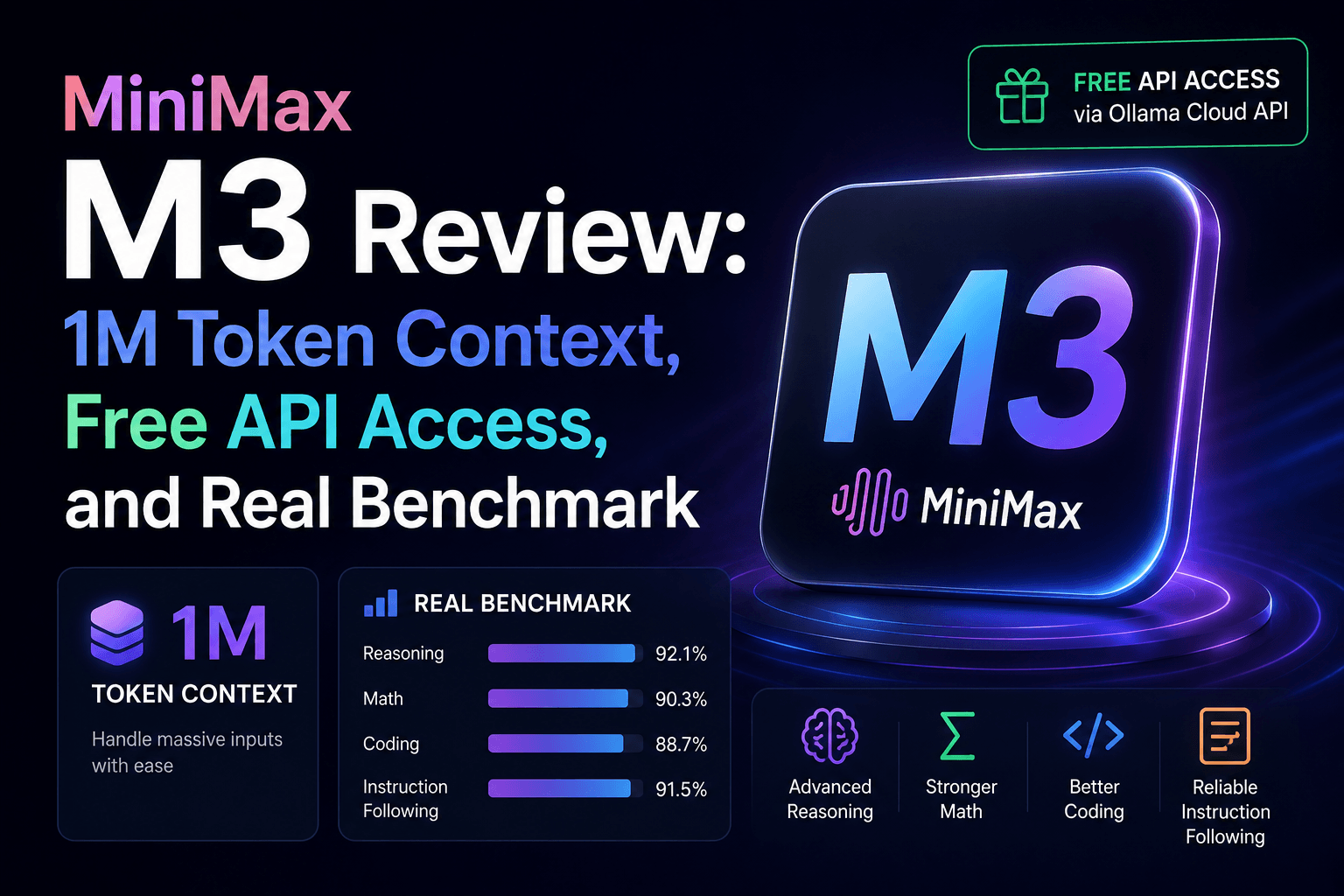
MiniMax M3 was announced by MiniMax on June 1, 2026. MiniMax describes it as a coding and agentic model with a 1M-token context window and native multimodal capabilities. The model is available through MiniMax’s developer platform and coding products, while self-hosting and third-party access depend on the current distribution and provider configuration.
This guide summarizes the published capabilities and explains how developers can evaluate M3 on their own workloads. Results can vary substantially by prompt, model version, tool configuration, and hardware, so local testing is more useful than relying on a single benchmark or anecdotal result.
Table of Contents
- What Is MiniMax M3?
- Key Technical Specs
- Benchmark Comparison: M3 vs GPT-5.5 vs Claude Opus
- What M3 Does Well (And Where It Struggles)
- How to Use MiniMax M3 for Free via Ollama Cloud
- Who Should Use MiniMax M3?
- Final Verdict
What Is MiniMax M3?
MiniMax M3 is an open-weights, natively multimodal large language model built for coding, agentic workflows, and long-context tasks. It was developed by MiniMax, a Shanghai-based AI research lab that has been steadily building its reputation in the Chinese and global AI ecosystem.
MiniMax publishes benchmark results for M3 on its model page. Those results should be read together with the benchmark definitions, evaluation setup, model version, and comparison set; they are useful evidence, but they do not establish that one model will be best for every workload.
The “open weights” designation means you can download the model parameters and host them on your own infrastructure. However, given the model’s size and architecture (Mixture-of-Experts), self-hosting requires serious GPU resources. That’s where cloud access becomes important, and we’ll cover that later.
Key Technical Specs
Here’s a quick snapshot of what’s under the hood:
| Specification | Details |
|---|---|
| Developer | MiniMax (Shanghai, China) |
| Release Date | June 1, 2026 |
| Model Type | Open-weights, Mixture-of-Experts (MoE) |
| Context Window | 1,000,000 tokens |
| Input Modalities | Text, Image, Video |
| Output Modality | Text |
| Attention Mechanism | MiniMax Sparse Attention (MSA) |
| Prefill Speed | ~9x faster than standard dense attention |
| Decode Speed | ~15x faster than previous generation |
| Compute Reduction | ~1/20th of equivalent dense models |
| Licensing | Open weights (commercial use allowed) |
The 1-Million Token Context Window
This is M3’s headline feature and it deserves its own discussion. Most production models top out at 128K–200K tokens. Even models that advertise larger windows tend to degrade significantly past 200K, losing track of instructions and hallucinating details from earlier in the prompt.
M3’s architecture tackles this differently. The MiniMax Sparse Attention (MSA) mechanism selectively focuses on the most relevant parts of the context rather than attending to every single token. Combined with the MoE backbone (where only a subset of model parameters activate per token), this dramatically reduces the computational cost.
In practical terms, this means you can feed M3 an entire GitHub repository, a full project’s documentation, or hours of conversation history, and it will maintain coherent reasoning throughout. That’s a game-changer for RAG pipelines, codebase analysis, and long-running agent sessions.
Benchmark Comparison: M3 vs GPT-5.5 vs Claude Opus
Numbers talk. Here’s how MiniMax M3 compares to the current closed-source leaders on key benchmarks:
| Benchmark | MiniMax M3 | GPT-5.5 (approx.) | Claude Opus 4.8 (approx.) |
|---|---|---|---|
| SWE-Bench Pro | 59.0% | ~57% | ~69% |
| Terminal Bench 2.1 | 66.0% | ~66% | ~74% |
| BrowseComp | 83.52% | — | ~85% |
What the Numbers Tell Us
- SWE-Bench Pro measures a model’s ability to fix real-world GitHub issues. M3’s 59% score is impressive for an open-weights model, comfortably surpassing GPT-5.5 and narrowing the gap with Claude Opus 4.8.
- Terminal Bench 2.1 tests command-line tool usage and system administration tasks. M3 is neck-and-neck with GPT-5.5 here.
- BrowseComp evaluates information retrieval and web browsing tasks. M3 posts a strong 83.52%, showing it can compete in information-dense scenarios.
Important caveat: Much of this initial benchmark data comes from MiniMax’s own testing. Independent third-party evaluations are still rolling in. Early community feedback has been largely positive for coding tasks, though some developers report that M3 can be less reliable than Claude Opus in highly complex, multi-step production pipelines.
What M3 Does Well (And Where It Struggles)
Strengths
1. Deep Reasoning with Internal Thinking Tokens
M3 doesn’t just stream answers immediately. For complex problems, it generates hidden <thinking> tokens—an internal scratchpad where it works through logic before committing to a response. During our tests, this showed up clearly: when asked tricky logic puzzles or multi-step math problems, the Time to First Token (TTFT) was higher (~1.4s–3.9s), but the final answers were consistently accurate and well-structured.
2. Production-Quality Code Generation
This is where M3 truly shines. We asked it to implement a thread-safe LRU cache in Python without using functools.lru_cache, and it delivered a textbook solution complete with threading.RLock, sentinel nodes, and detailed docstrings explaining the O(1) complexity guarantees. It even included a stress test to validate thread safety.
3. Strict Instruction Following
When we gave M3 highly constrained tasks (e.g., “write exactly three sentences where each ends with a word starting with ‘s'”), it followed the rules precisely. This matters for production pipelines where structured output is critical.
4. Native Multimodal Input
You can pass images and video frames directly to M3 alongside your text prompt. Want to paste a screenshot of a UI bug and ask for a fix? M3 handles that natively—no separate vision model needed.
Weaknesses
1. Speed vs. Closed Models
While the MSA architecture is fast for its size, M3 is still noticeably slower than the cloud-optimized inference of GPT-5.5 or Claude Opus when accessed via API. Expect total generation times in the 10–30 second range for complex prompts.
2. Multi-Step Reliability
In deeply chained agentic workflows (5+ tool calls, iterative debugging loops), M3 occasionally loses coherence compared to Claude Opus 4.8. It’s not a dealbreaker, but something to be aware of if you’re building production agents.
3. Community Ecosystem Still Growing
GPT and Claude have years of community resources, fine-tuning guides, and production deployment playbooks. M3 is brand new. Expect the tooling and documentation to catch up over the coming months.
How to Use MiniMax M3 for Free via Ollama Cloud
Self-hosting a MoE model with a 1M token context window requires enterprise-grade GPUs. Most developers don’t have that sitting around. The good news: you can access MiniMax M3 for free through the Ollama Cloud API.
Ollama is widely known as a tool for running models locally, but they also offer a cloud-hosted API at https://ollama.com/api that gives you programmatic access to hosted models—including M3.
Step 1: Create a Free Ollama Account
Head to ollama.com and sign up. Navigate to your account settings and generate a new API Key. This key authenticates your requests to the cloud endpoint.
Step 2: Secure Your Credentials
Never hardcode API keys. Create a .env file in your project root:
OLLAMA_API_KEY=your_api_key_here
Add .env to your .gitignore to prevent accidental commits.
Install the required packages:
pip install ollama python-dotenv
Step 3: Connect and Chat
The beauty of Ollama’s design is that the cloud API uses the exact same Python package as the local version. The only difference is the host parameter and an auth header:
import os
from dotenv import load_dotenv
from ollama import Client

load_dotenv()

client = Client(
    host='https://ollama.com',
    headers={"Authorization": f"Bearer {os.getenv('OLLAMA_API_KEY')}"}
)

response = client.chat(
    model="minimax-m3:cloud",
    messages=[
        {"role": "user", "content": "Analyze this Python function for potential race conditions and suggest fixes."}
    ]
)

print(response['message']['content'])
Using cURL Instead
If you want to test from the terminal without writing any Python:
curl https://ollama.com/api/chat \
  -H "Authorization: Bearer $OLLAMA_API_KEY" \
  -H "Content-Type: application/json" \
  -d '{
    "model": "minimax-m3:cloud",
    "messages": [{"role": "user", "content": "Hello MiniMax!"}],
    "stream": false
  }'
Streaming Responses
For real-time applications (chatbots, live coding assistants), you can stream the response token by token:
stream = client.chat(
    model="minimax-m3:cloud",
    messages=[{"role": "user", "content": "Explain how a B-tree index works in PostgreSQL."}],
    stream=True
)

for chunk in stream:
    print(chunk['message']['content'], end='', flush=True)
Who Should Use MiniMax M3?
Based on our testing, here’s who will get the most value from M3:
- Backend developers working with large codebases who need a model that can hold an entire project in context.
- AI agent builders who need reliable tool-calling and multi-step reasoning without paying per-token for closed APIs.
- Teams needing data privacy who want the option to eventually self-host an open-weights model.
- Students and hobbyists who want access to a frontier-class model at zero cost via Ollama Cloud.
For coding and agentic workloads, evaluate M3 against the models you already use on representative tasks. For other workloads such as writing or general conversation, the same approach applies: define the task, measure quality and latency, and compare the exact model versions and configurations.
Final Verdict
MiniMax M3 combines a 1M-token context window, coding and agentic capabilities, native multimodal input, and an open-weight positioning described by MiniMax. Developers should still validate actual latency, quality, hardware requirements, licensing, and provider costs for their own workloads.
Access options can change, so check the current MiniMax and Ollama documentation before assuming that a particular cloud or local route is free. For applications involving code analysis, long documents, or agentic workflows, M3 can be included in a comparative evaluation pipeline.
Have you tried MiniMax M3 yet? Drop your experience in the comments below.