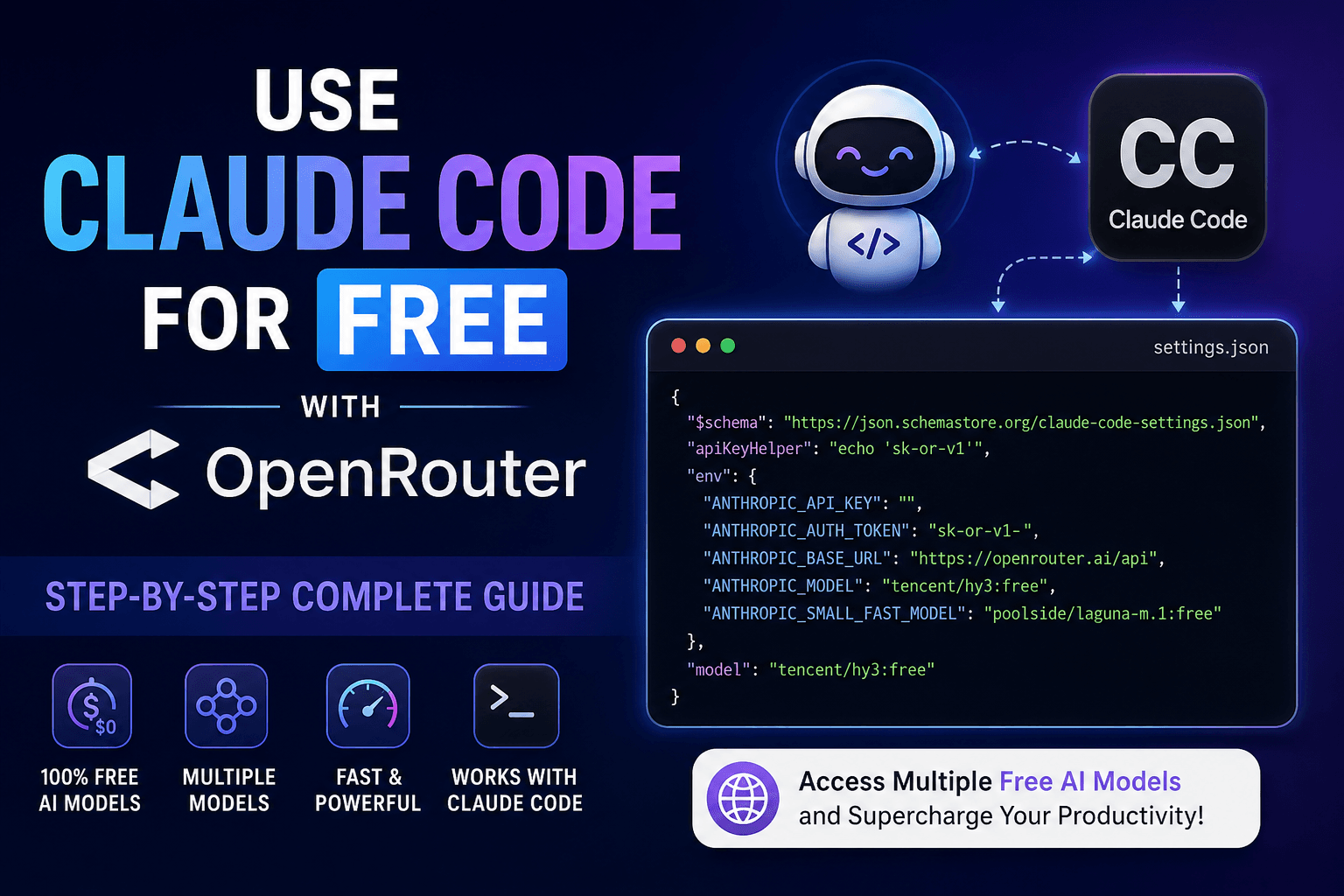
AI coding assistants have transformed software development, but many developers hesitate to use Claude Code because it typically requires an Anthropic subscription or API credits.
Fortunately, there’s another way.
By connecting Claude Code to OpenRouter, you can route requests through dozens of AI models—including several free models—while keeping the same Claude Code experience.
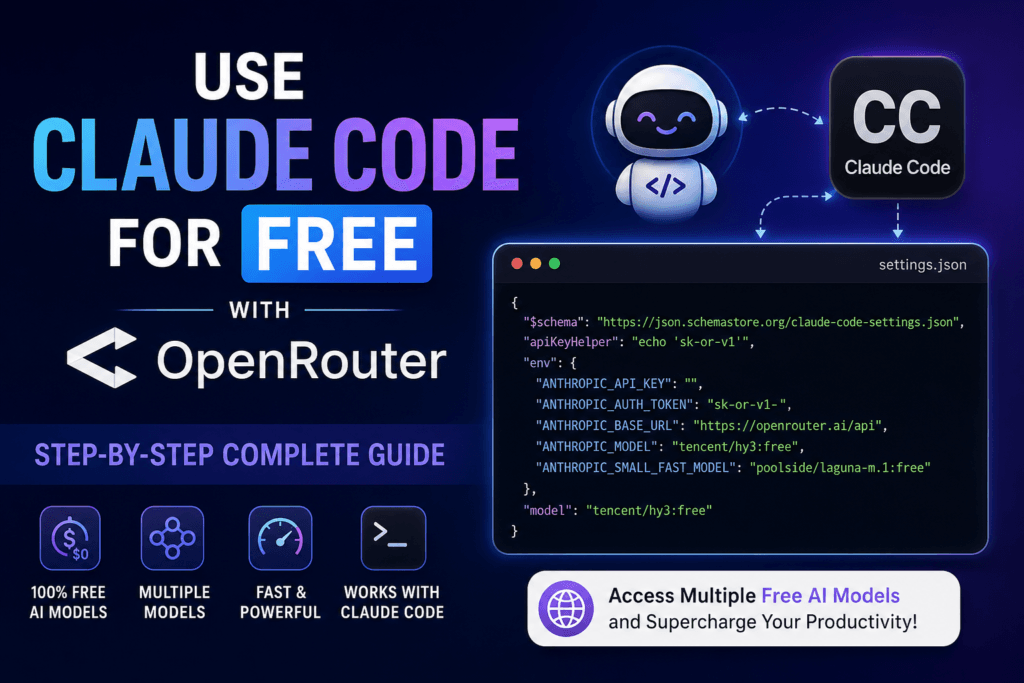
In this guide you’ll learn:
- What OpenRouter is
- Why developers use it with Claude Code
- How to configure Claude Code
- How to use completely free models
- Common mistakes
- Troubleshooting
- Best free models for coding
Note: Claude Code officially supports connecting through OpenRouter using its Anthropic-compatible API. OpenRouter recommends using its Anthropic-compatible endpoint (
https://openrouter.ai/api) with Claude Code. Compatibility may vary across non-Anthropic models because Claude Code is primarily optimized for Anthropic models. (OpenRouter)
Table of Contents
What is OpenRouter?
OpenRouter is an API gateway that gives developers access to hundreds of AI models using a single API key.
Instead of maintaining separate API keys for:
- Claude
- Gemini
- DeepSeek
- Qwen
- Mistral
- Llama
- Tencent
- Moonshot
- And many more …
You simply call OpenRouter and choose the model you want.
Advantages include:
- One API
- Multiple providers
- Model switching
- Free models
- Paid models
- Automatic routing
- Usage dashboard
Why Use OpenRouter with Claude Code?
Normally Claude Code communicates directly with Anthropic.
With OpenRouter, Claude Code communicates with OpenRouter’s Anthropic-compatible API instead.
Benefits include:
- Use free AI models
- Switch models anytime
- Lower costs
- Access many providers
- Centralized billing
- Easy experimentation
How Does It Work?
Claude Code
      │
      ▼
OpenRouter API
      │
      ├── Claude
      ├── Gemini
      ├── DeepSeek
      ├── Tencent
      ├── Qwen
      └── Many More Models
Claude Code still behaves like Claude Code.
Only the backend model changes.
Prerequisites
Before starting, install:
- Node.js
- Claude Code CLI
- OpenRouter account
- OpenRouter API key
Step 1 — Install Claude Code
Install Claude Code globally:
npm install -g @anthropic-ai/claude-code
Verify installation:
claude --version
Step 2 — Create an OpenRouter API Key
- Sign in to OpenRouter.
- Create a new API key.
- Copy the key.
It looks like:
sk-or-v1-xxxxxxxxxxxxxxxx
Keep it secure.
Step 3 — Configure Claude Code
Create or edit:
.claude/settings.json
or
.claude/settings.local.json
Paste the following configuration.
{
  "$schema": "https://json.schemastore.org/claude-code-settings.json",
  "apiKeyHelper": "echo 'sk-or-v1-YOUR_API_KEY'",
  "env": {
    "ANTHROPIC_API_KEY": "",
    "ANTHROPIC_AUTH_TOKEN": "sk-or-v1-YOUR_API_KEY",
    "ANTHROPIC_BASE_URL": "https://openrouter.ai/api",
    "ANTHROPIC_MODEL": "tencent/hy3:free",
    "ANTHROPIC_SMALL_FAST_MODEL": "poolside/laguna-m.1:free"
  },
  "model": "tencent/hy3:free"
}
Replace:
YOUR_API_KEY
with your OpenRouter API key.
Understanding Every Setting
apiKeyHelper
"apiKeyHelper": "echo 'sk-or-v1-xxxxx'"
Automatically supplies your API key.
ANTHROPIC_API_KEY
"ANTHROPIC_API_KEY": ""
Keep this empty.
This is important because Claude Code may otherwise try to authenticate directly with Anthropic instead of OpenRouter. (OpenRouter)
ANTHROPIC_AUTH_TOKEN
"ANTHROPIC_AUTH_TOKEN": "sk-or-v1-..."
Your OpenRouter API key.
ANTHROPIC_BASE_URL
"https://openrouter.ai/api"
This tells Claude Code to send requests through OpenRouter.
Do not use
/api/v1for Claude Code. Claude Code expects the Anthropic-compatible endpoint athttps://openrouter.ai/api; using/api/v1can lead to “model not found” errors. (OpenRouter)
ANTHROPIC_MODEL
"tencent/hy3:free"
Your default AI model.
ANTHROPIC_SMALL_FAST_MODEL
Used for lightweight tasks.
Example:
"poolside/laguna-m.1:free"
Popular Free Models (July 2026)
Some commonly used free models on OpenRouter include:
| Model | Best For |
|---|---|
| Tencent HY3 | Coding |
| Poolside Laguna | Fast responses |
| Qwen Coder | Programming |
| DeepSeek | Reasoning |
| Gemini Flash | General tasks |
| Mistral | Lightweight tasks |
Free model availability can change over time, so check OpenRouter’s model catalog before selecting one. (OpenRouter)
Launch Claude Code
Run:
claude
If everything is configured correctly, Claude Code will use OpenRouter.
Verify Configuration
Inside Claude Code run:
/status
You should see something similar to:
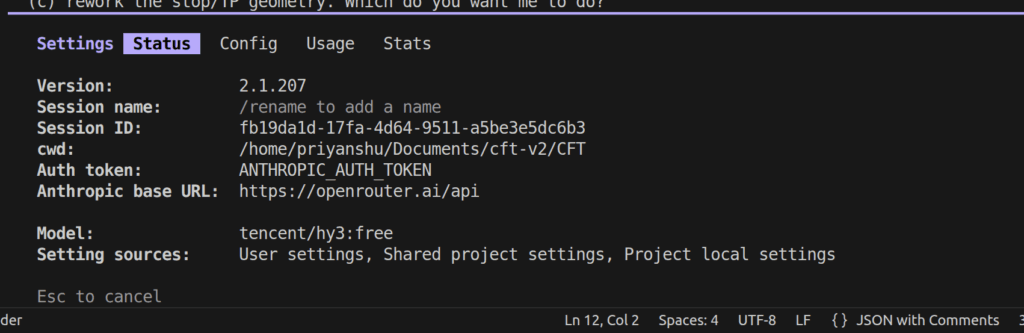
This confirms Claude Code is connected through OpenRouter. (OpenRouter)
Switching Models
Changing models is simple.
Replace:
"tencent/hy3:free"
with another OpenRouter model.
Example:
"google/gemini-2.5-flash:free"
or
"qwen/qwen3-coder:free"
Restart Claude Code after changing the configuration.
Common Errors
Model Not Found
Usually caused by:
- Wrong model ID
- Unsupported free model
- Incorrect API URL
Authentication Failed
Check:
- API key
- Empty
ANTHROPIC_API_KEY - Base URL
Still Asking for Anthropic Login
Run:
/logout
Restart Claude Code.
Claude Code caches previous Anthropic logins, which can override your OpenRouter configuration. (OpenRouter)
Best Practices
✔ Keep API keys out of Git repositories.
✔ Use project-specific settings if different projects require different models.
✔ Verify your configuration with /status.
✔ Track requests through the OpenRouter activity dashboard.
✔ Remember that free models may have lower availability or rate limits than paid models. (OpenRouter)
Frequently Asked Questions
Is Claude Code completely free?
Claude Code itself is not universally free. However, by connecting it to OpenRouter and selecting free models, you can use it without paying for Anthropic API usage, subject to the availability and limits of OpenRouter’s free models. (OpenRouter)
Do I need an Anthropic API key?
No.
Leave:
ANTHROPIC_API_KEY=""
and use your OpenRouter API key as ANTHROPIC_AUTH_TOKEN. (OpenRouter)
Can I switch models anytime?
Yes.
Simply update the model name in your configuration and restart Claude Code.
Does every OpenRouter model work?
Not necessarily. Claude Code is designed for Anthropic models, and while many OpenRouter models work through its Anthropic-compatible interface, compatibility can vary depending on the model. (OpenRouter)
Is this officially supported?
OpenRouter officially documents integration with Claude Code using its Anthropic-compatible API. (OpenRuter)
Final Thoughts
Using OpenRouter with Claude Code is one of the easiest ways to explore AI-assisted development without being locked to a single model or paying for every experiment. With a simple configuration change, you can route Claude Code through OpenRouter, test multiple providers, and take advantage of available free models while retaining the familiar Claude Code workflow.
As the ecosystem evolves, new free models are added and existing ones may change in availability, so it’s worth checking OpenRouter periodically to find the best model for your coding tasks.