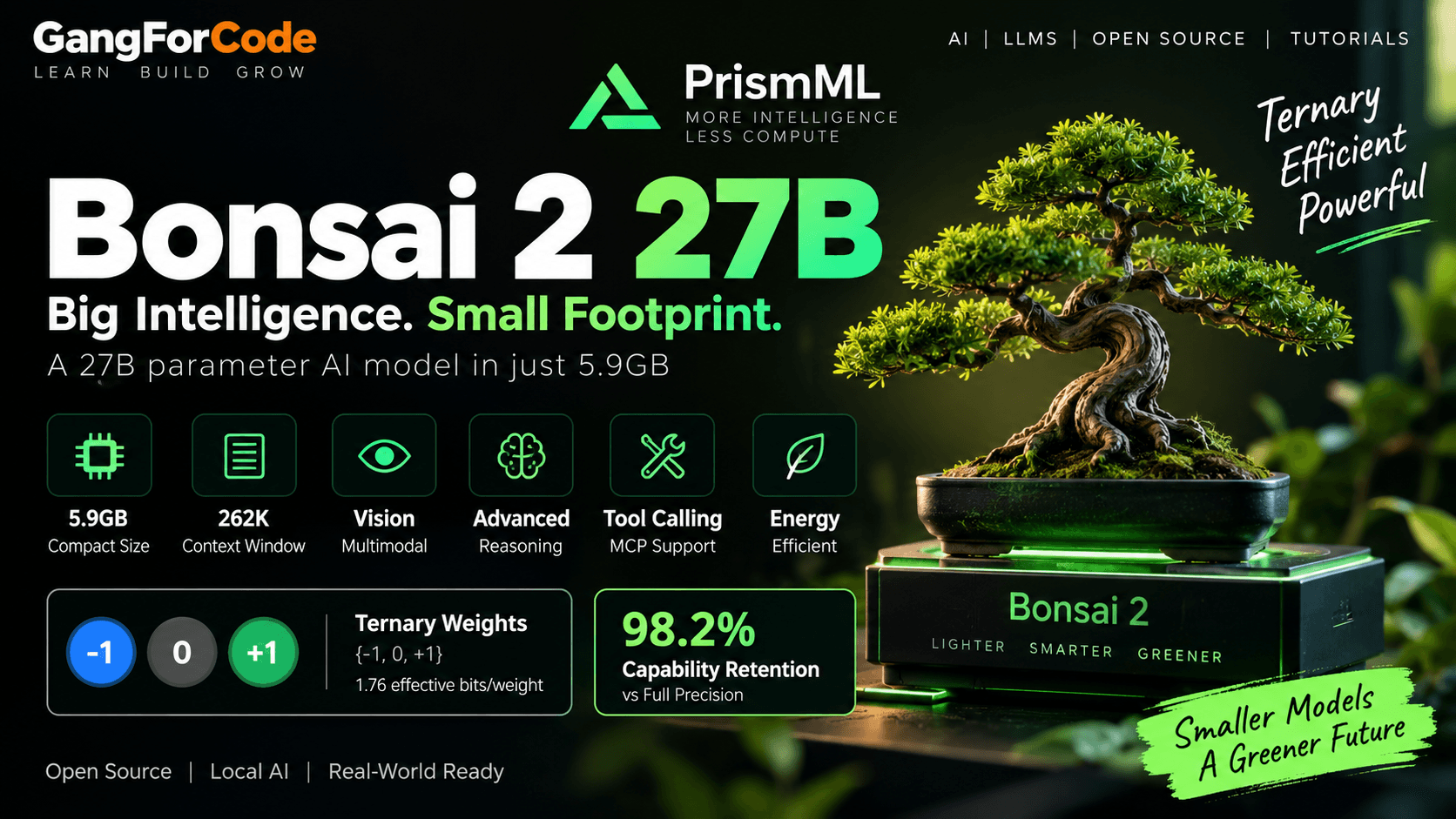
Bonsai 2 27B is one of the more interesting local-AI releases of September 2026 because it attacks a different problem from the usual “make the model larger” approach. Developers building a broader foundation in AI/ML can also explore this roadmap to understand where local models, LLMs, RAG, and AI agents fit into the larger stack. PrismML has taken a 27B-class model based on Qwen3.8 27B and compressed it into a ternary representation that the company says has a 5.9GB footprint while retaining 98.2% of the aggregate benchmark performance of its full-precision reference. The result is aimed at bringing reasoning, coding, vision, and agentic workloads to consumer hardware instead of requiring a large cloud inference stack.
This article looks at what Bonsai 2 27B actually changes, how ternary weights work, what the benchmark numbers mean, how the official demo runs the model locally, and where the approach still has important limitations. The benchmark and performance figures in this article are primarily based on PrismML’s published materials; independent results should be treated separately from the company’s own measurements.
What Is Bonsai 2 27B?
Bonsai 2 27B is a compressed, multimodal 27.8-billion-parameter language model based on Qwen3.8 27B. Instead of keeping conventional high-precision weights, the model uses a ternary representation in which weights are restricted to three values: -1, 0, and +1. PrismML combines those ternary values with FP16 group-wise scaling to recover useful numerical precision while keeping the stored representation extremely small.
PrismML says the representation works out to about 1.76 effective bits per weight. The company’s central argument is that model quality does not have to fall in proportion to model size: aggressive compression can make a model much easier to deploy while retaining a large share of its original capability.
Bonsai 2 27B at a Glance
| Specification | Bonsai 2 27B |
|---|---|
| Base model | Qwen3.8 27B |
| Total parameters | 27.8 billion |
| Weight representation | Ternary {-1, 0, +1} with FP16 group-wise scaling |
| Effective bits per weight | About 1.76 |
| Headline model footprint | 5.9GB |
| Context window | 262,144 tokens |
| Input modalities | Text and images |
| License | Apache 2.0 |
| Formats | GGUF and MLX 2-bit distributions |
Why Ternary Weights Matter
Traditional FP16 model weights use 16 bits per value. Quantization reduces that storage requirement by representing weights with fewer bits, but the simplest low-bit approaches can introduce significant accuracy loss.
Ternary quantization is more aggressive. Each weight is limited to three states:
-1
 0
+1
That representation alone would be too restrictive for a modern language model, so Bonsai 2 uses scaling information alongside the ternary values. The idea is to preserve the structure of the model while drastically reducing the amount of information that must be stored for every parameter.
5.9GB Does Not Mean the Whole Runtime Uses Only 5.9GB
This distinction is important when planning a local deployment. The 5.9GB figure is the headline model footprint reported by PrismML. The official Bonsai demo repository explains that its default PQ2_0 package is larger at roughly 7.8GB, and the demo may download additional components such as the vision projector, Open WebUI, and the code-interpreter environment.
Runtime memory is also higher than the weight file because inference needs activations and a KV cache. PrismML’s demo documentation provides memory estimates that vary with context length and the selected backend. So “5.9GB model” should be read as a storage/weight-footprint headline, not as a promise that every machine with exactly 6GB of RAM or VRAM can run the complete application comfortably.
98.2% Capability Retention: What Does It Mean?
PrismML reports that Bonsai 2 27B scores 83.9 across its published benchmark suite, compared with 85.4 for the full-precision Qwen3.8 27B reference. That produces the company’s headline 98.2% aggregate capability retention.
The important word is aggregate. A single percentage can hide differences between individual skills. PrismML’s detailed table breaks the evaluation into reasoning, math, coding, instruction following, vision, and agentic/tool-use categories.
| Capability Area | Ternary Bonsai 2 27B | Qwen3.8 27B |
|---|---|---|
| Agentic & tool calling | 77.57 | 79.74 |
| Coding | 81.58 | 82.17 |
| Instruction following | 82.66 | 81.25 |
| Knowledge & reasoning | 83.95 | 86.66 |
| Math | 96.57 | 97.06 |
| Vision | 78.59 | 81.64 |
| Overall | 83.9 | 85.4 |
These numbers come from PrismML’s own evaluation methodology, so they should not be interpreted as a universal guarantee that Bonsai 2 will behave within 1.8% of Qwen3.8 on every application. Different prompts, tasks, context sizes, quantization formats, runtimes, and hardware can produce different results.
Coding and Agentic Performance
Bonsai 2 is designed for more than chat. PrismML highlights coding agents, tool use, multimodal workflows, and long-horizon tasks as important target workloads. Developers exploring agent integrations can also read our MCP server guide with Spring Boot and Spring AI to understand how tools can be exposed to AI applications. For another practical look at local coding workflows, see our guide to running Claude Code with Ollama. The official demo repository confirms native OpenAI-style tool_calls, reasoning output, MCP support, and image input.
For developers, this means the interesting test is not simply “Can it answer coding questions?” A better evaluation is whether the model can complete a real workflow such as:
- Inspect an unfamiliar repository.
- Identify relevant files and dependencies.
- Generate a patch.
- Run tests or tools.
- Interpret failures.
- Iterate until the task is complete.
Agentic workloads are especially sensitive to small quality losses because an error early in a multi-step process can propagate into later tool calls. That makes end-to-end task evaluation more informative than a single benchmark score.
Vision and Multimodal Input
Bonsai 2 27B supports text-and-image input. The official demo shows workflows for analyzing photos, screenshots, and PDFs, which makes the model useful for document analysis, visual debugging, UI understanding, and computer-use-style applications.
Vision support also changes the hardware story because the model’s runtime needs a vision projector in addition to the language model weights. When estimating memory for a multimodal application, the full runtime footprint matters more than the headline weight-file size. For document-oriented AI systems, our RAG system design guide covers retrieval, context handling, and production considerations that become relevant when local models are used with large knowledge sources.
262K Context Window
The Bonsai 2 27B documentation lists a maximum context length of 262,144 tokens. This is useful for large source trees, long documents, screenshots, tool traces, and other workflows where a small context window forces aggressive summarization. That makes the model especially interesting alongside techniques discussed in our RAG interview guide, such as chunking, retrieval, reranking, and context management.
However, maximum context is not the same as recommended context. The official demo scripts automatically choose a safer context size based on available RAM, and developers can override it with BONSAI_CTX. This is a practical design choice because KV-cache memory grows with context length.
How Fast Is Bonsai 2 27B?
PrismML reports up to 143 tokens per second on an NVIDIA RTX 5090 and 46.8 tokens per second on an Apple M5 Max. These are vendor-reported measurements, so treat them as reference results rather than expected numbers for every device.
Throughput can vary with prompt length, context size, backend, quantization format, GPU offload, batch size, and whether the workload includes vision. For a local coding agent, these differences matter because interactive latency determines how usable the edit-test-debug loop feels.
Energy Efficiency
PrismML also reports energy measurements for local inference. Its launch material gives a figure of 0.714 mWh per token on an RTX 4090 and describes that result as 40% more energy-efficient than an 8B model running in full precision.
Energy numbers are highly sensitive to the test method, system configuration, utilization, context, and what components are included in the measurement. They are best used as a comparative data point from the same test setup rather than as a universal power-consumption number.
Where Can You Run Bonsai 2 27B?
PrismML’s official demo supports local execution across several platforms, including macOS with Metal/MLX and Linux or Windows with CPU, CUDA, Vulkan, and ROCm-related paths. The available formats include GGUF for llama.cpp-based execution and an MLX 2-bit distribution for Apple Silicon.
There is an important runtime caveat: the official demo README says Bonsai 2 currently requires PrismML’s fork of llama.cpp because the required Hadamard activation transform is not yet upstream. In other words, downloading the weights alone is not the complete setup.
How to Run Bonsai 2 27B Locally
The official Bonsai demo provides a simple setup flow for macOS and Linux:
git clone https://github.com/PrismML-Eng/Bonsai-demo.git
cd Bonsai-demo
./setup.sh
After setup, start the local server:
./scripts/start_llama_server.sh
The demo exposes a local web interface on port 8080. For a one-off terminal prompt, the repository also provides:
./scripts/run_llama.sh -p "Explain dependency injection in Spring Boot"
Apple Silicon
The repository also provides an MLX path:
source .venv/bin/activate
./scripts/run_mlx.sh -p "Write a Python FastAPI example"
The repository documents tested MLX versions and a pinned PrismML MLX fork for some 1-bit workflows. Bonsai 2’s 2-bit MLX distribution is documented separately from the older model families.
GGUF vs MLX: Which Format?
| Format | Typical Environment | Why Use It? |
|---|---|---|
| GGUF | llama.cpp ecosystem | Broad CPU/GPU backend support and server tooling |
| MLX 2-bit | Apple Silicon | Apple-optimized local inference |
Bonsai 2 27B vs Full-Precision Qwen3.8 27B
The main trade-off can be summarized as follows:
| Factor | Bonsai 2 27B | Qwen3.8 27B FP16 |
|---|---|---|
| Model class | Compressed 27B | Full-precision 27B |
| Weight storage | Much smaller | Much larger |
| Aggregate score | 83.9 | 85.4 |
| Context | 262K | Depends on the reference configuration |
| Local deployment | Designed specifically for constrained hardware | Requires substantially more memory |
The compressed version is therefore not simply “the same model but smaller.” It is a different deployment point: far less weight storage and memory pressure, with some quality differences that may or may not matter for a particular workload.
What Are the Main Advantages?
- Small weight footprint: makes a 27B-class model practical on hardware that would struggle with conventional FP16 weights.
- Strong capability retention: PrismML reports 98.2% aggregate benchmark retention against its full-precision reference.
- Long context: up to 262K tokens.
- Multimodal input: useful for screenshots, images, and documents.
- Tool use: native tool-calling support is documented in the official demo.
- Open license: the model is released under Apache 2.0.
What Are the Limitations?
- Runtime requirements: Bonsai 2 currently needs PrismML’s specialized llama.cpp binaries for the official GGUF workflow.
- Headline size vs real memory: the 5.9GB figure does not include every runtime component or the full KV cache at long context lengths.
- Benchmark interpretation: 98.2% is an aggregate result from PrismML’s evaluation suite, not a guarantee for every task.
- Format and backend differences: performance can change substantially between GGUF, MLX, CPU, GPU, and different quantized packs.
- Long-context cost: a 262K context window can require significant memory and compute even when the weights are small.
- Early ecosystem stage: some features remain tied to PrismML’s forked runtime while upstream support is still evolving.
Who Should Evaluate Bonsai 2 27B?
Bonsai 2 27B is especially interesting for people who want to experiment with local AI without moving down to a very small model. Potential use cases include local coding assistants, private document analysis, multimodal debugging, offline experimentation, and agentic workflows where keeping more of the inference stack on the user’s hardware is valuable.
For production deployment, the correct question is not simply whether the model fits. Measure your own workload: task success rate, latency, context behavior, tool-call reliability, memory consumption, energy, and total cost of ownership.
The Bigger Idea: Intelligence Density
PrismML uses the term intelligence density to describe the useful capability delivered per unit of model size or deployment resource. Bonsai 2 is built around that idea: instead of asking only how capable a model is, ask how much capability can be packed into a given memory and power budget.
That perspective matters for edge AI because local deployment has constraints that cloud systems can often hide: RAM, VRAM, battery life, thermal limits, and inference latency. A compressed 27B model can therefore be valuable even when its absolute benchmark score is slightly lower than a larger reference model.
Sources and Further Reading
- PrismML: Introducing Bonsai 2 27B
- PrismML: Bonsai 2 27B launch announcement
- Official Bonsai Demo on GitHub
- Bonsai 2 27B GGUF on Hugging Face
- Bonsai 2 27B MLX on Hugging Face
Final Thoughts
Bonsai 2 27B is interesting because the headline is not merely “a new 27B model.” The more important engineering story is the combination of ternary compression, multimodal input, long context, tool use, and local deployment in a package that is dramatically smaller than the full-precision model.
PrismML’s 98.2% retention figure is encouraging, but it should be interpreted as the result of a particular benchmark suite and not as a guarantee that every application will behave almost identically to Qwen3.8 27B. The best way to evaluate Bonsai 2 is to run your own representative workloads and compare the complete system—not just the model file size.